Indicators
One indicator per window of a stack, in stack order, beside the stack. The window on top is marked in the accent colour while its stack has focus; the others are dimmed, more so when focus is elsewhere.
| Style | |
|---|---|
| Icons: the app's icon on a tile. | 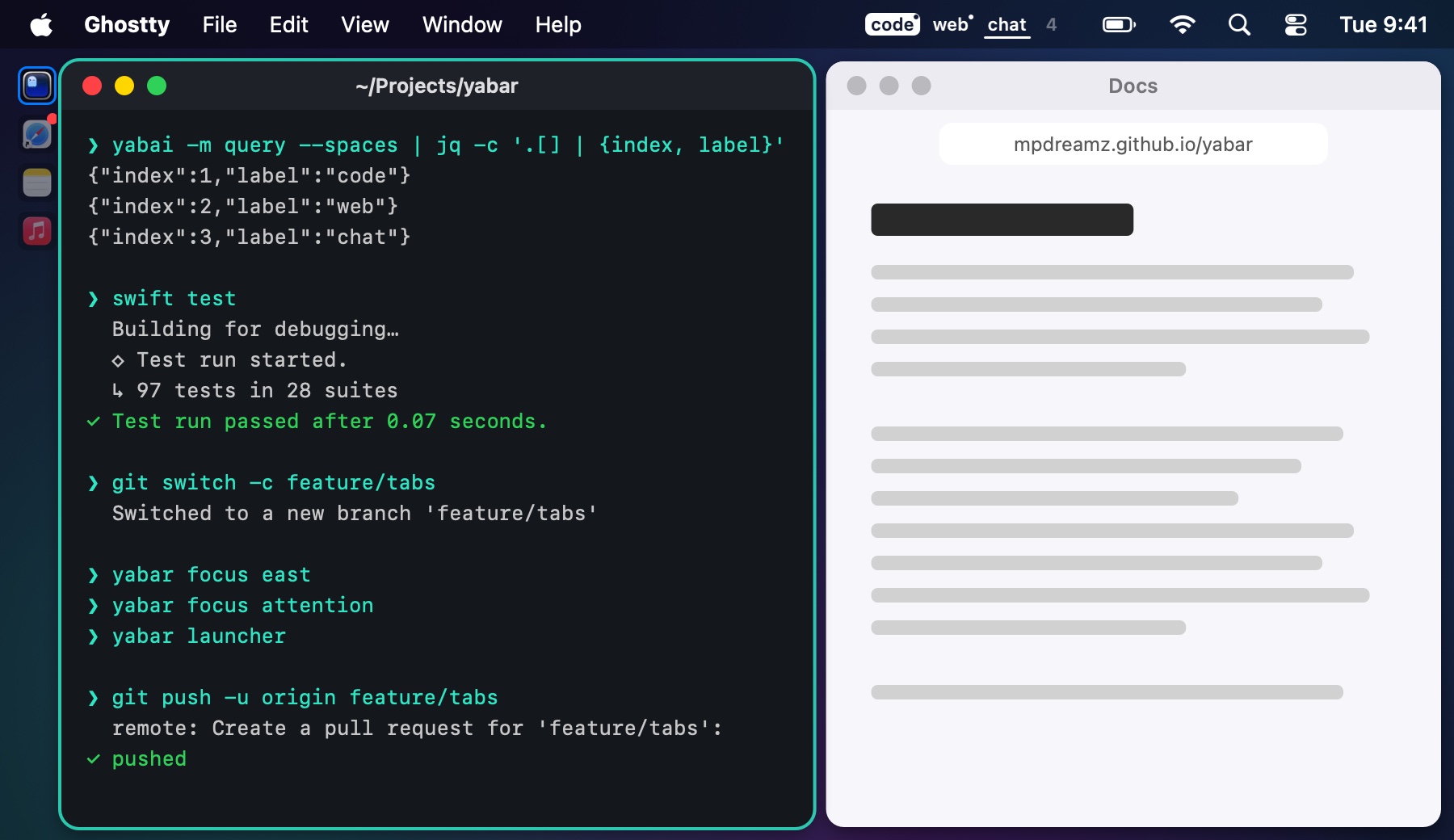 |
| Pills: a slim pill per window. | 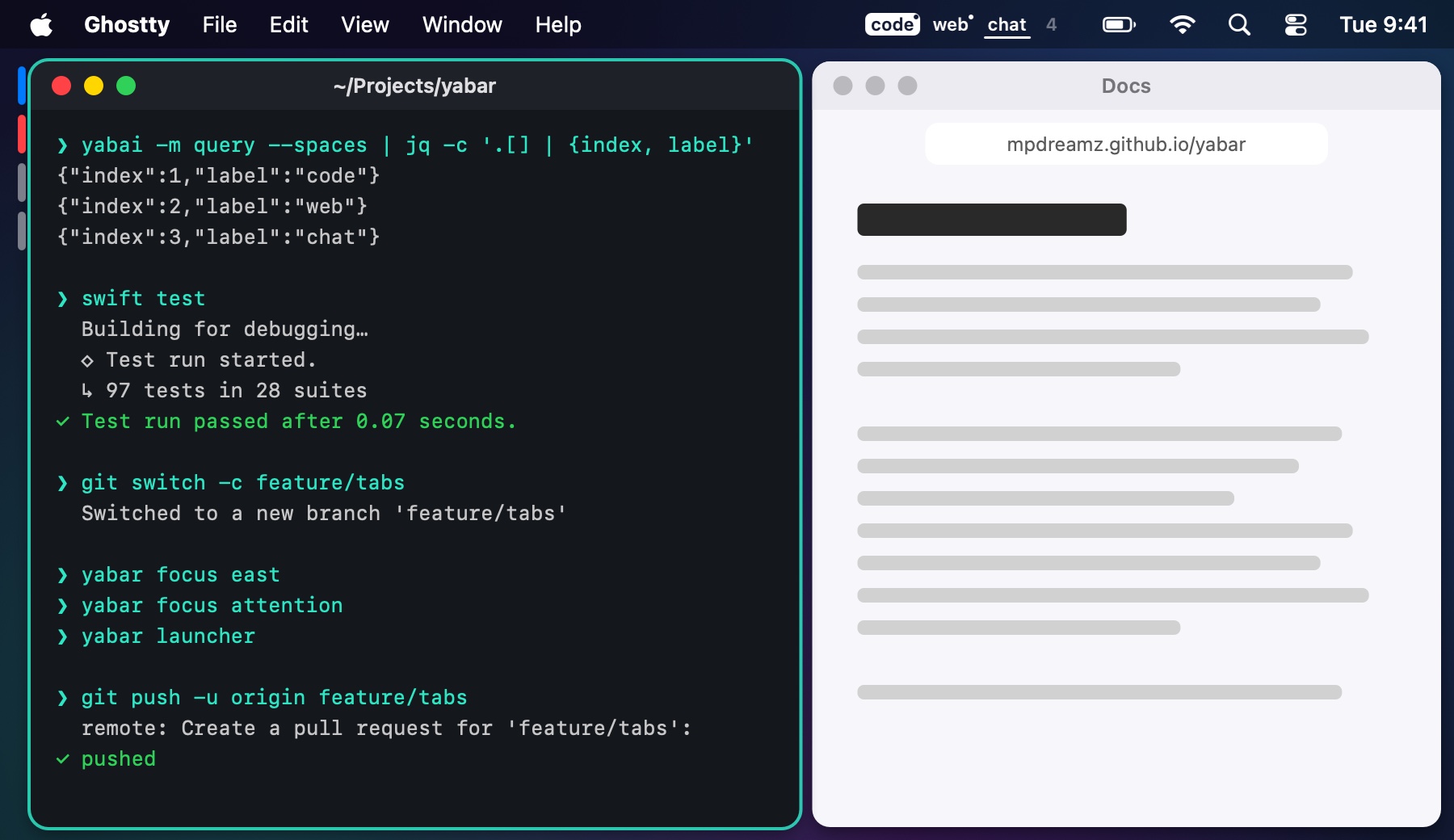 |
| Tabs (i3), the default: a tab per window with its icon and title, across the top or bottom. | 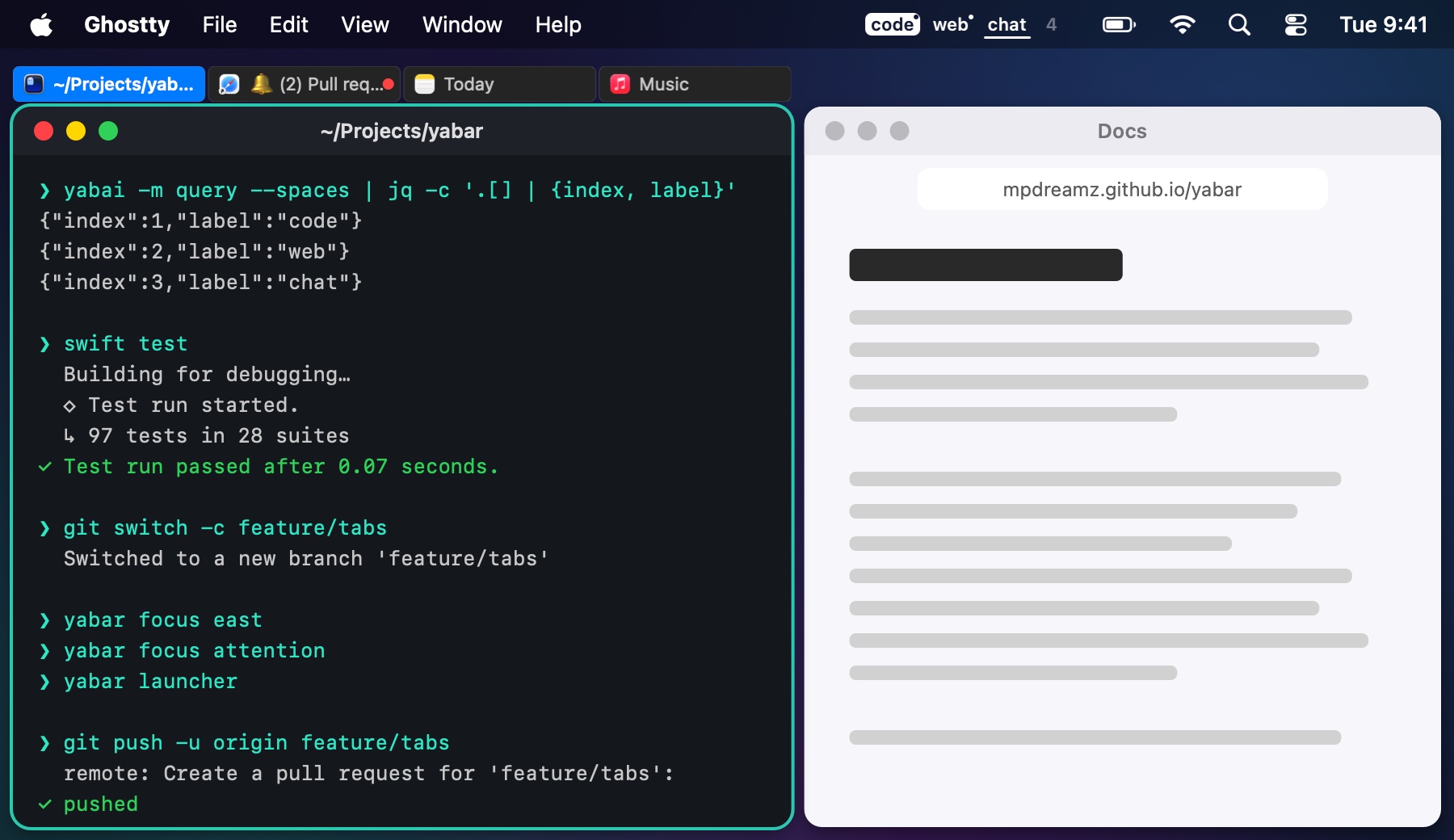 |
- Click an indicator to focus its window.
- Middle-click one to close its window.
- Hover for the app and title.
Settings → Stacks → Placement:
- Screen edge side (the default): the side where the stack meets the screen, read from its neighbours; for a stack as wide as the screen, left; for one with windows on both sides, the nearer half of its display.
- Left, Right, Top or Bottom.
Tabs only run along the top or the bottom. Whatever you choose, a side that faces another window gives way to one that faces the screen (Room). Each display or labelled space can have its own style (Profiles).