Settings
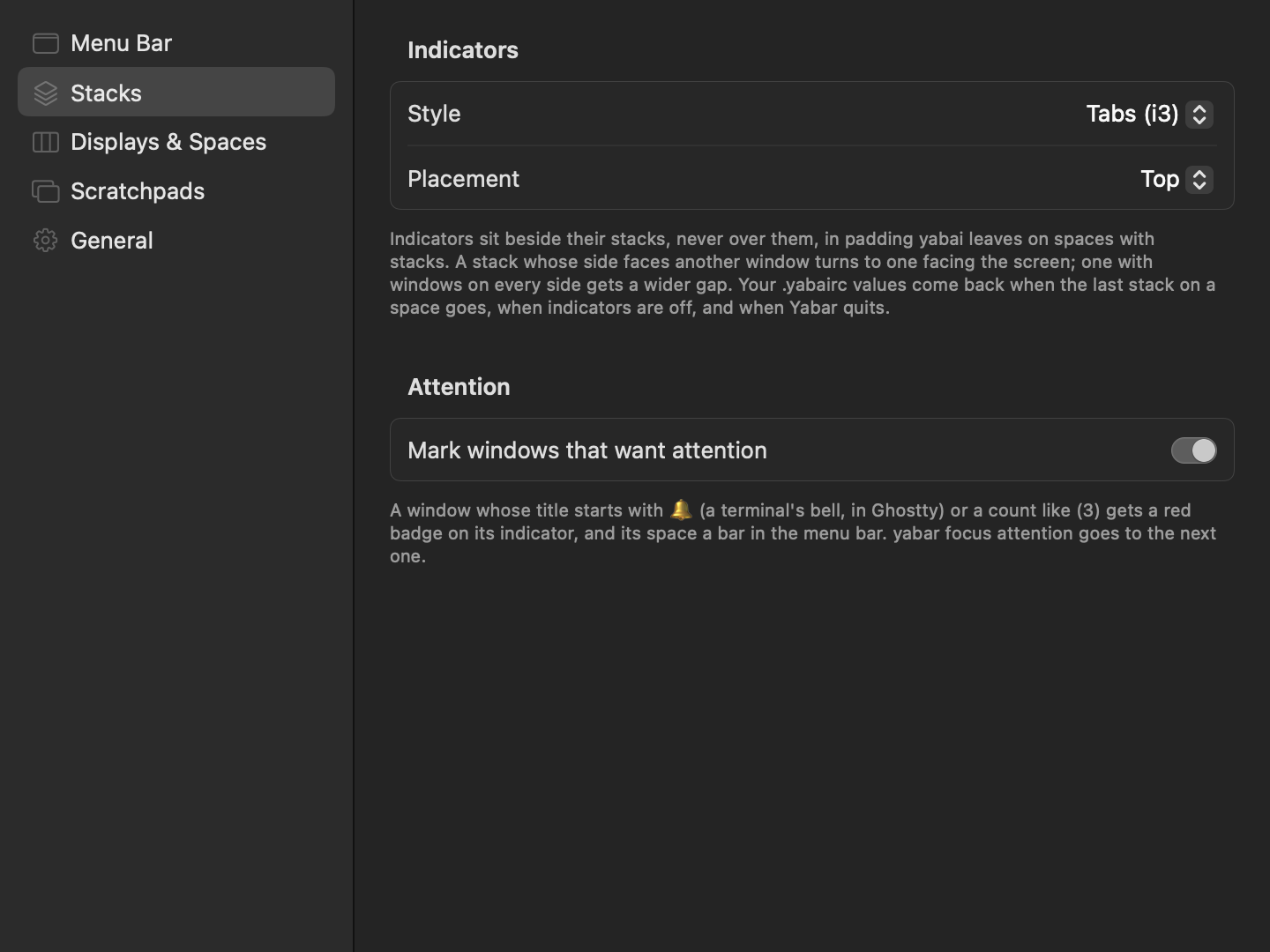
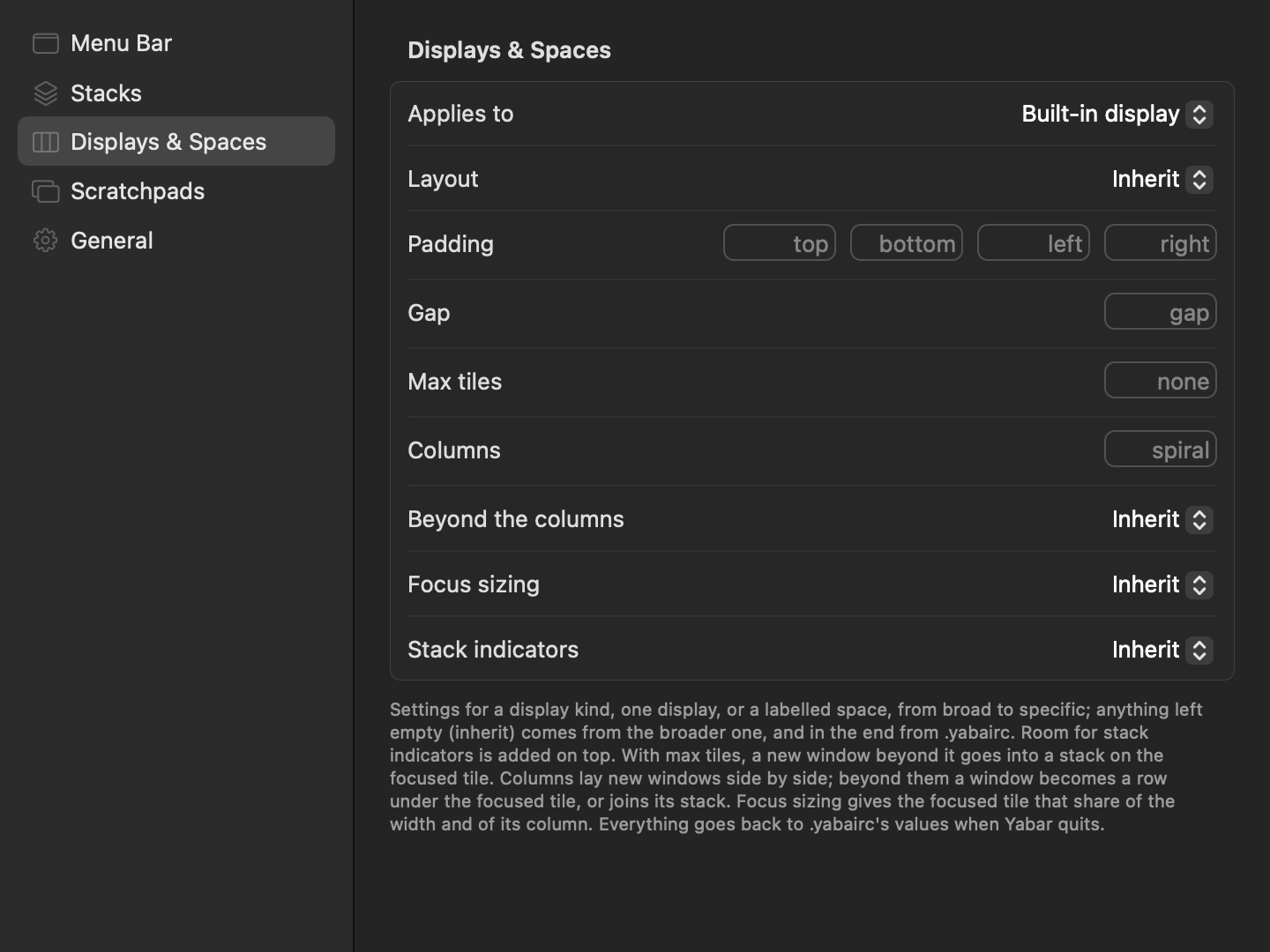
Settings… (⌘,) in the menu, or Yabar settings… in the launcher. A sidebar of panes; choices apply as they are made.
| Stacks | Displays & Spaces |
|---|---|
 |
 |
| Pane | Setting | Default | |
|---|---|---|---|
| Menu Bar | Show space labels | on | A label instead of the number. |
| Hide empty spaces | off | Spaces on screen always show. | |
| One item per display | off | An item per display instead of one. | |
| Stacks | Style | Tabs (i3) | Tabs (i3), Icons, Pills, Off. |
| Placement | Screen edge side | Or Left, Right, Top, Bottom. Tabs take the top unless Bottom is chosen. | |
| Mark windows that want attention | on | Attention. | |
| Displays & Spaces | … | inherit | Profiles. |
| Scratchpads | … | none | Scratchpads; needs the scripting addition. |
| General | Open at login | on from the first launch | |
| Check for updates automatically | on | ||
| Install updates automatically | on |