Effects
Effects go over every picture, whatever its style and tonality. Any number can be on at once, each with its own settings, on the Effects page of Settings…, which draws each one over the picture showing now.
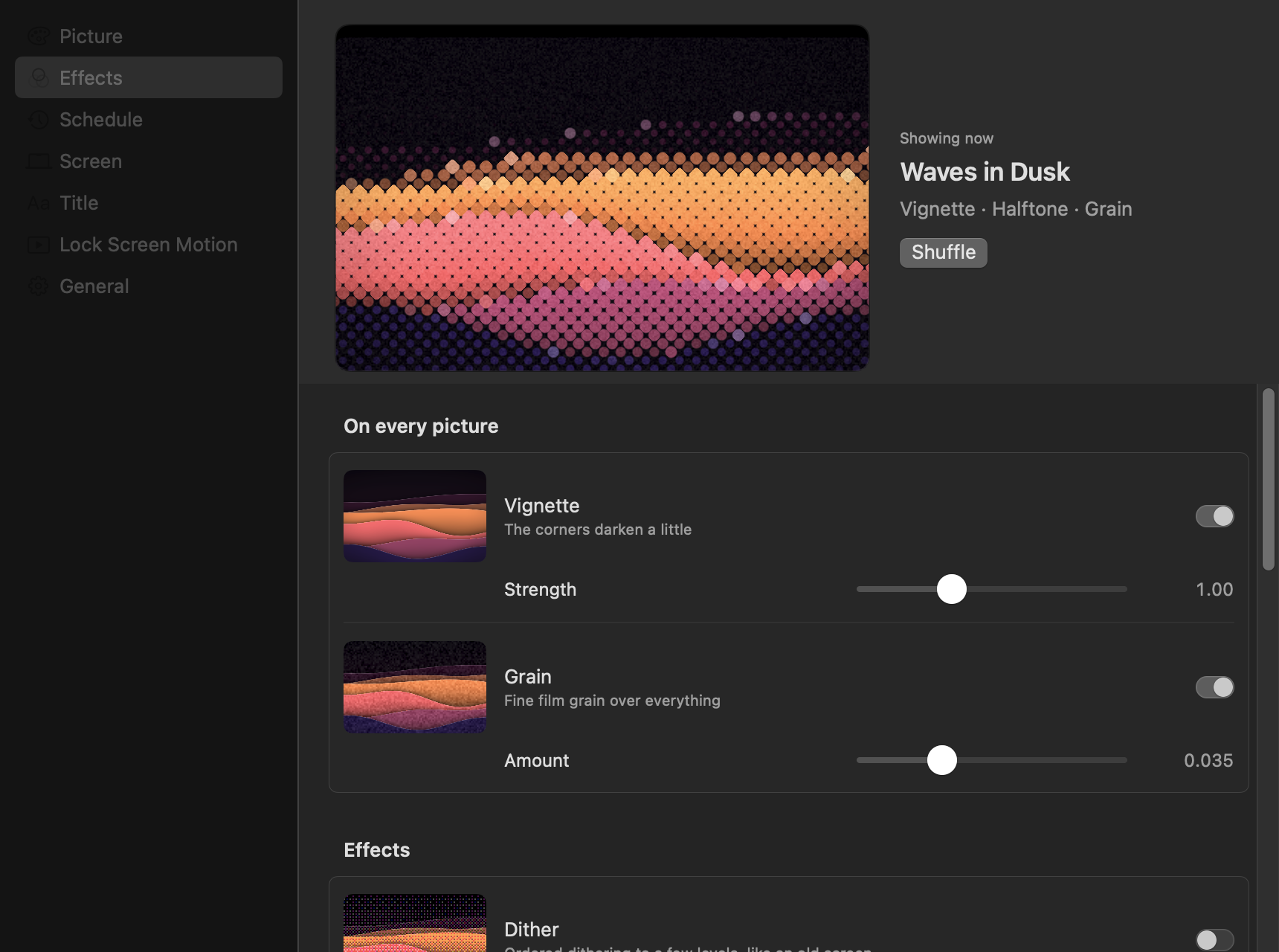
Out of the box two are on: a vignette that darkens the corners a little, and a subtle grain. The others are off until you turn them on.
They apply in a fixed order, so no effect undoes another: glass and halftone (which both read the picture somewhere else), the vignette, bloom, posterize, paper, the light leak, dither, and grain last.
| Effect | Settings |
|---|---|
| Vignette | Strength, 0 to 3 (1 is the usual; dark pictures get more than light ones) |
| Grain | Amount, 0 to 0.12 (0.035 subtle, 0.06 strong) |
| Dither | Levels per colour, 2 to 16; cell size, 1 to 4 points |
| Halftone | Spacing between dots, 4 to 24 points; the grid's angle |
| Glass | Flute width, 12 to 96 points; how much each flute magnifies |
| Bloom | How bright a part must be to glow; strength |
| Light leak | Strength; warmth, from rose to amber |
| Paper | Strength |
| Posterize | Bands of lightness, 3 to 16 |
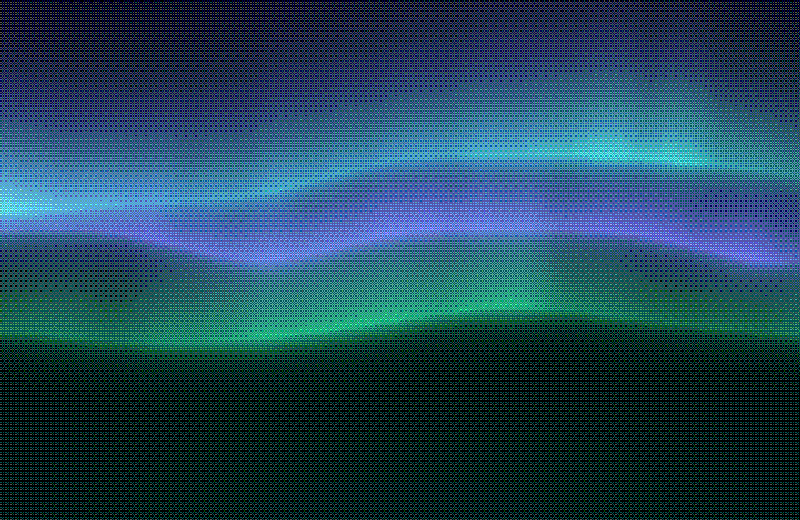
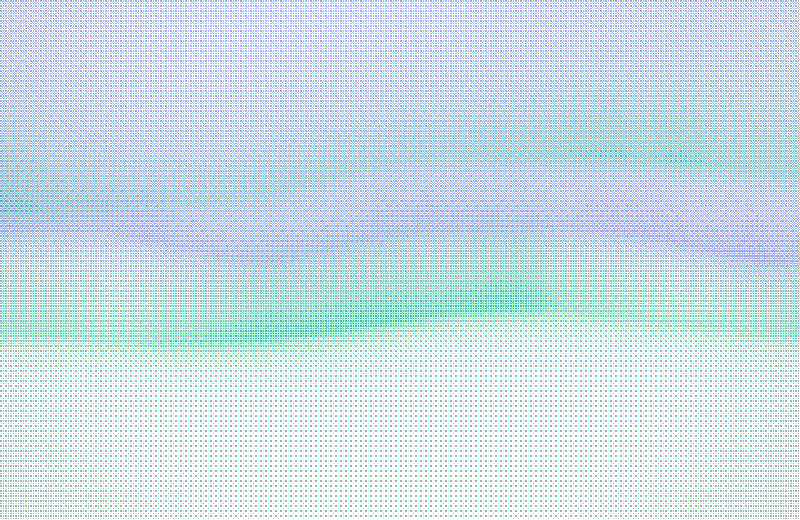
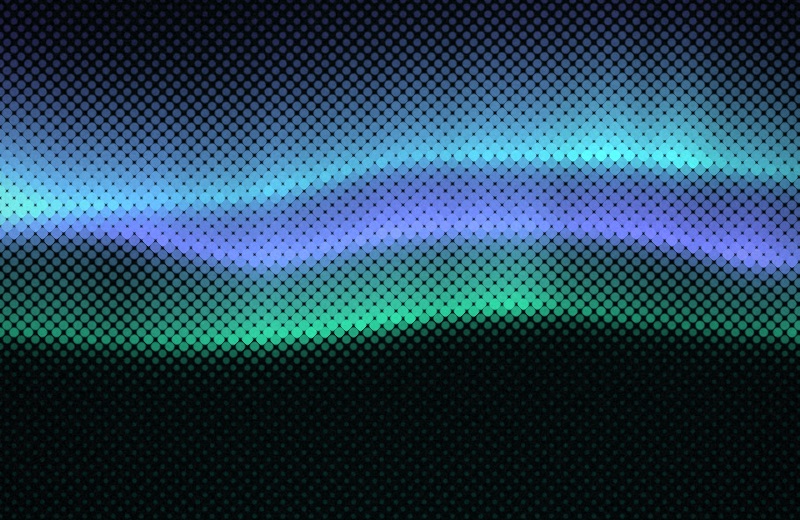
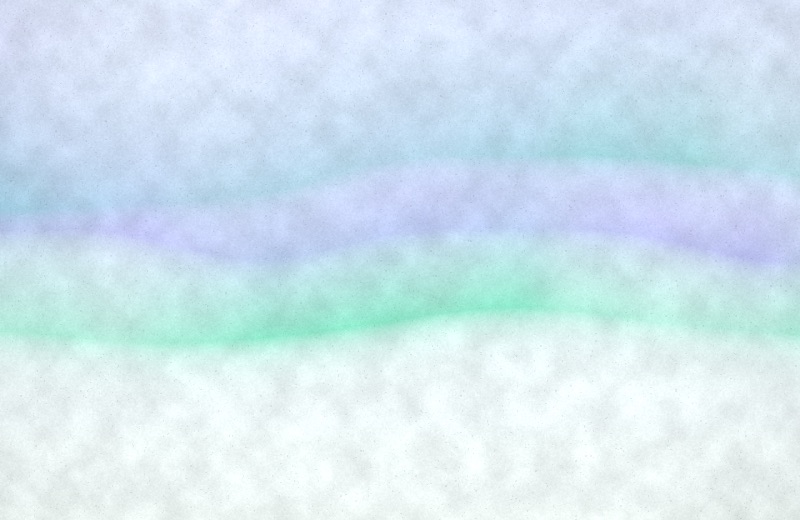
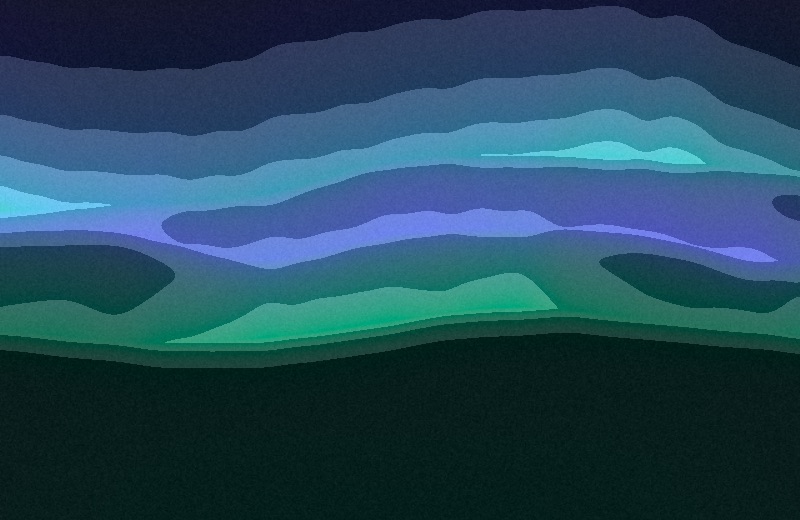
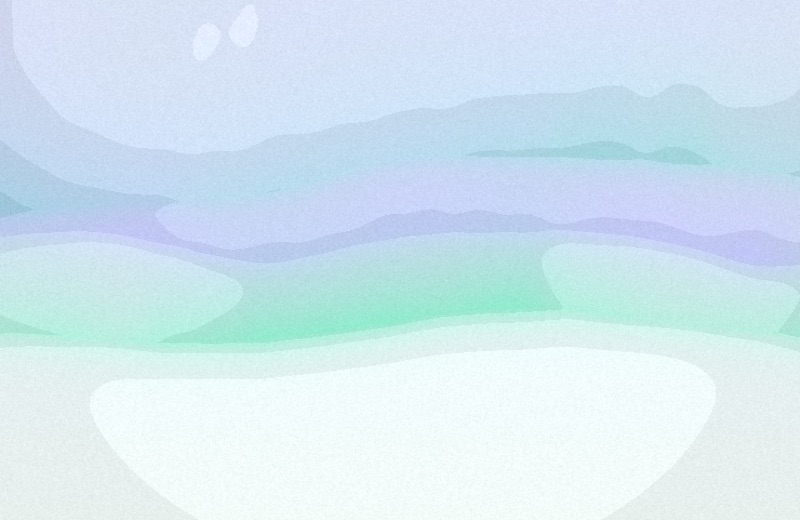
Each example below is the same aurora picture at the effect's default settings, dark on the left and light on the right.
Ordered (Bayer) dithering to four levels per channel, in cells a point across: the look of an old screen or a risograph. Grain is left off, which would blur the pattern.
| Dark | Light |
|---|---|
 |
 |
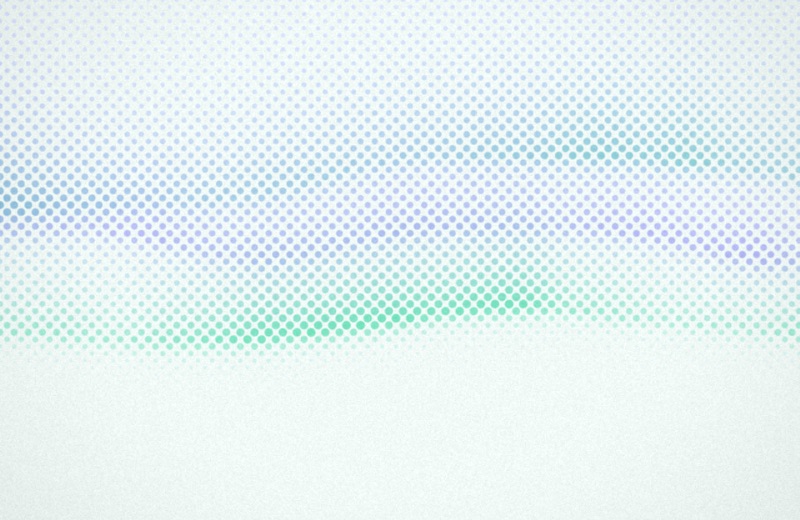
A grid of dots at 45°, about 8 points apart, each the colour of the picture under it and bigger the further that colour is from the base: print, up close.
| Dark | Light |
|---|---|
 |
 |
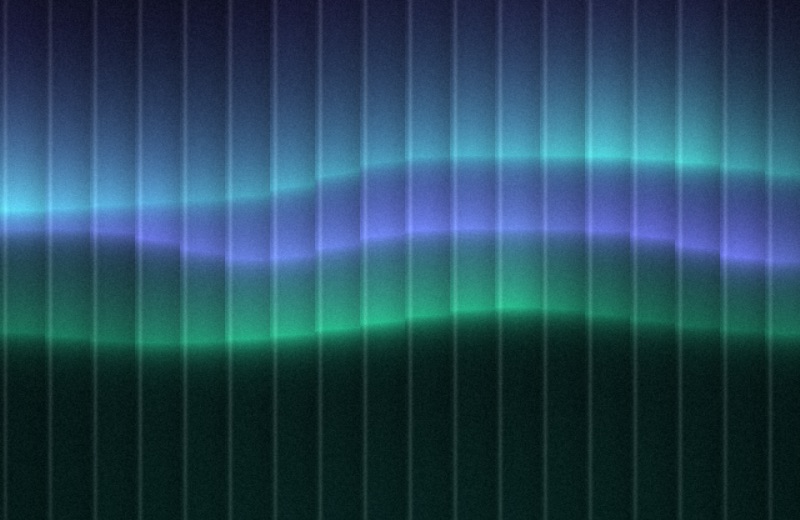
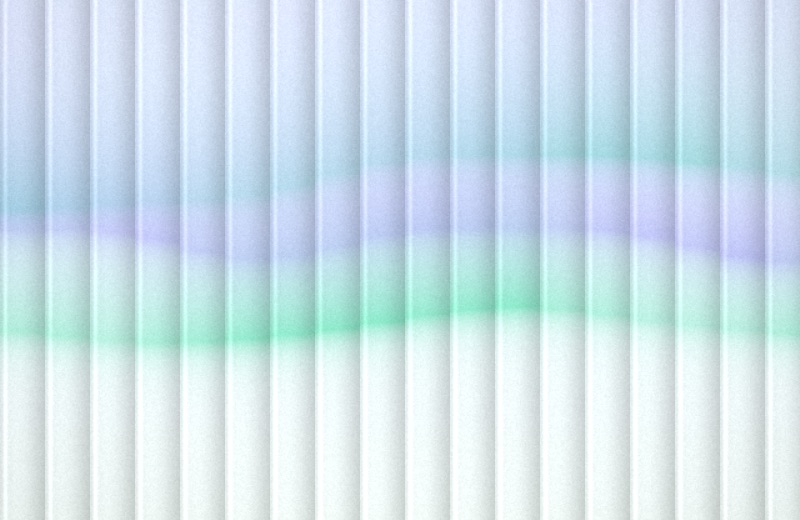
Reeded glass in front of the picture: vertical flutes about 36 points wide, each showing a magnified slice of what is behind it, lit along one edge.
| Dark | Light |
|---|---|
 |
 |
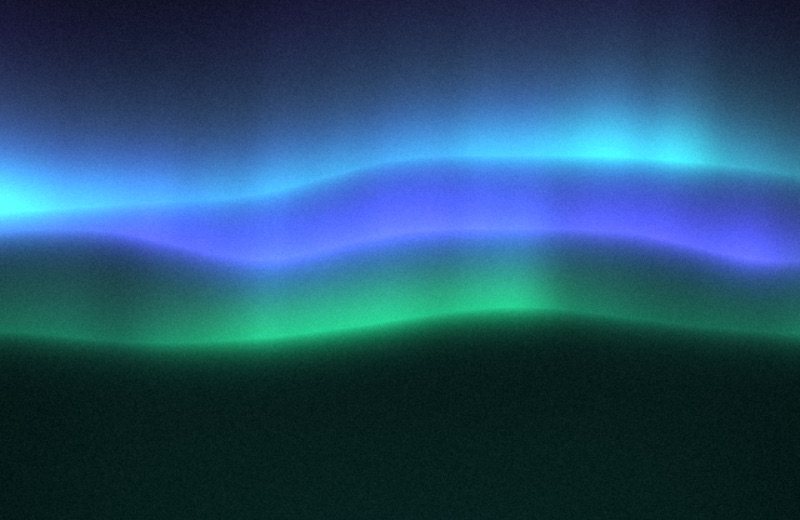
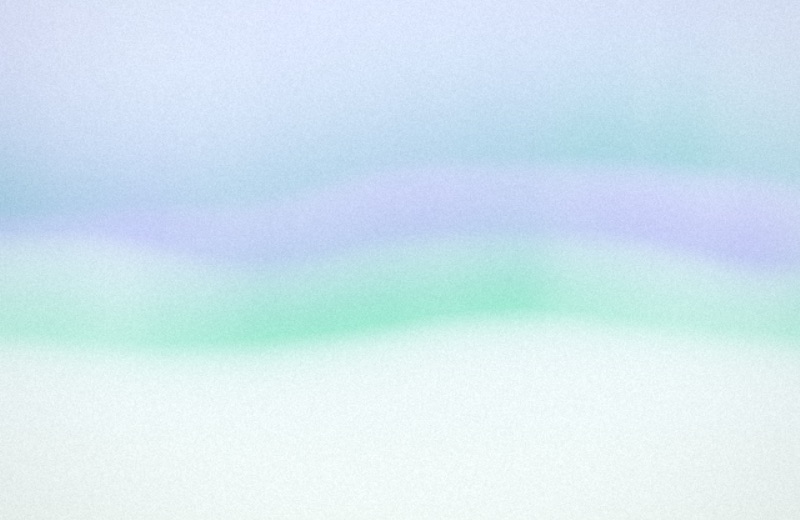
On a dark picture the bright parts glow into the dark around them; on a light one, the colours soften and bleed, like a lens with a little haze.
| Dark | Light |
|---|---|
 |
 |
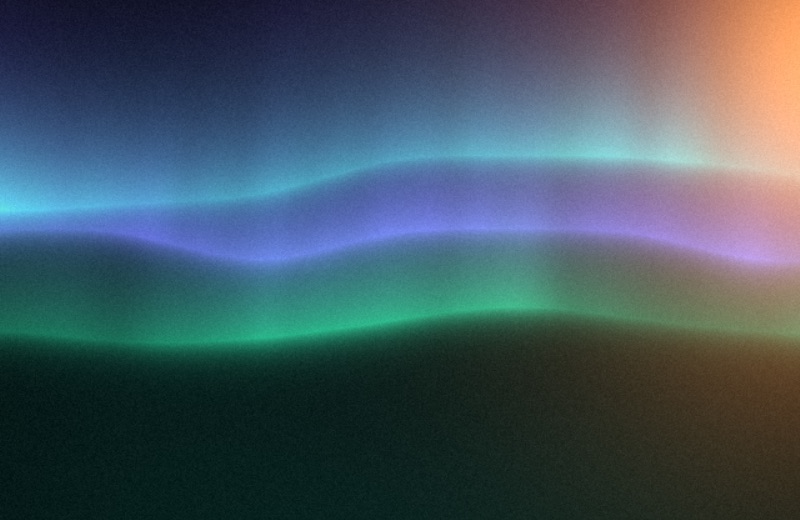
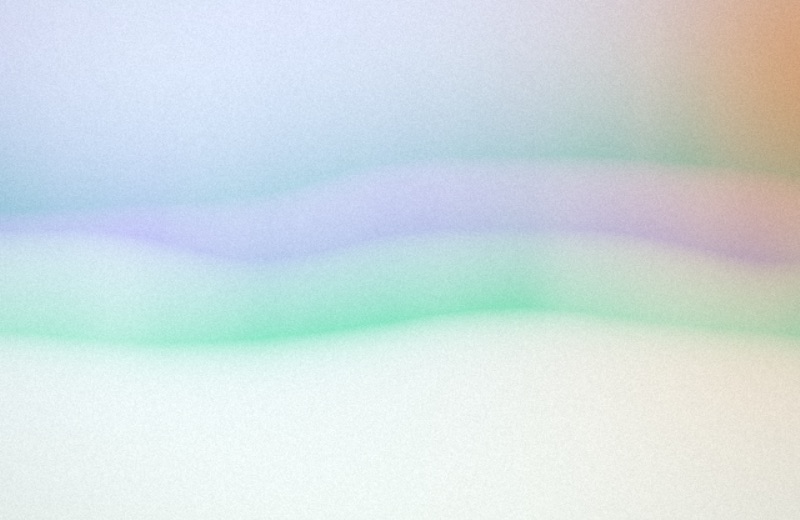
A warm film light leak from the left or right edge, at a height that changes with the picture: screened over a dark picture, a warm tint over a light one.
| Dark | Light |
|---|---|
 |
 |
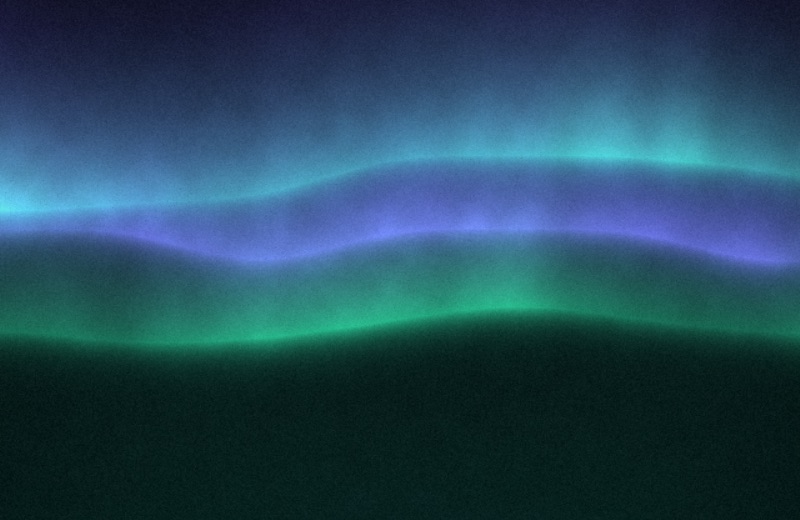
Mottled paper fibres and the odd speck under the colour, as if the picture were printed on handmade paper.
| Dark | Light |
|---|---|
 |
 |
Hard bands of lightness instead of smooth gradients, the colour kept: a screen print. Light pictures get narrower bands, so they keep their shapes.
| Dark | Light |
|---|---|
 |
 |
Add a random effect on each shuffle, on the Effects page, adds one more effect to every new picture: a different one each time, at its default settings, chosen from those you leave checked and that are not already on. It is off until you turn it on.
Every effect has its own section in the config file; on turns it on or off and
keeps its settings:
[effects]
random = false
random_never = ["dither"]

[effects.grain]
on = true
amount = 0.035

[effects.halftone]
on = true
spacing = 12
angle = 45
undertone render --effect halftone --effect leak draws effects from the command line (--effect can be given more
than once); undertone effects lists them.