Write a reel.
Get the video.
Demo videos of Mac apps, web pages, code and the command line, from a script.
Screen terminal as term
  Type "reel record musicbox.reel"
  Key return as run
Screen code as script
  Code musicbox.reel
  Follow
Attach Musicbox.app as app

Set Layout term | script
Wait for app
Layout@smooth,1s (term / script) | app
Say "Musicbox, a macOS app we record…"
Spotlight app
Say@guest,over "…and [mute] clicks it."
Wait [mute] as muting
Reels together.
The video above is one reel of three tracks, recorded at once: a terminal that runs another reel, a code screen that Follows that reel's script line by line, and Musicbox, Attached as it opens, with its own sound. The director lays them out, spotlights one, and times each line to the click it describes. Every step is one line: commit the reel next to your code and record it again whenever the app changes. Reels together
Web pages too.
Open a URL instead of launching an app. reel drives Chrome, Brave, Edge or Safari's WebKit itself, records the page with its sound, and leaves your mouse and keyboard alone. Here it plays Satie's first Gymnopédie on Wikimedia Commons, recorded by Musopen and in the public domain. Web pages
Code too.
Screen code walks through source in an editor of reel's own: the file and the lines that matter, a focus that dims the rest, numbered marks, callouts, typing at your pace, and files side by side with the relations between them drawn in. Nothing to install, no window, no permissions, and the same take every time. Code
The command line too.
Screen terminal runs a real shell in a terminal of reel's own: it waits on what commands print, covers secrets as they're typed, and points at the output that matters. Here reel checks and records a reel of its own. No permissions needed. Terminal
What a reel can do
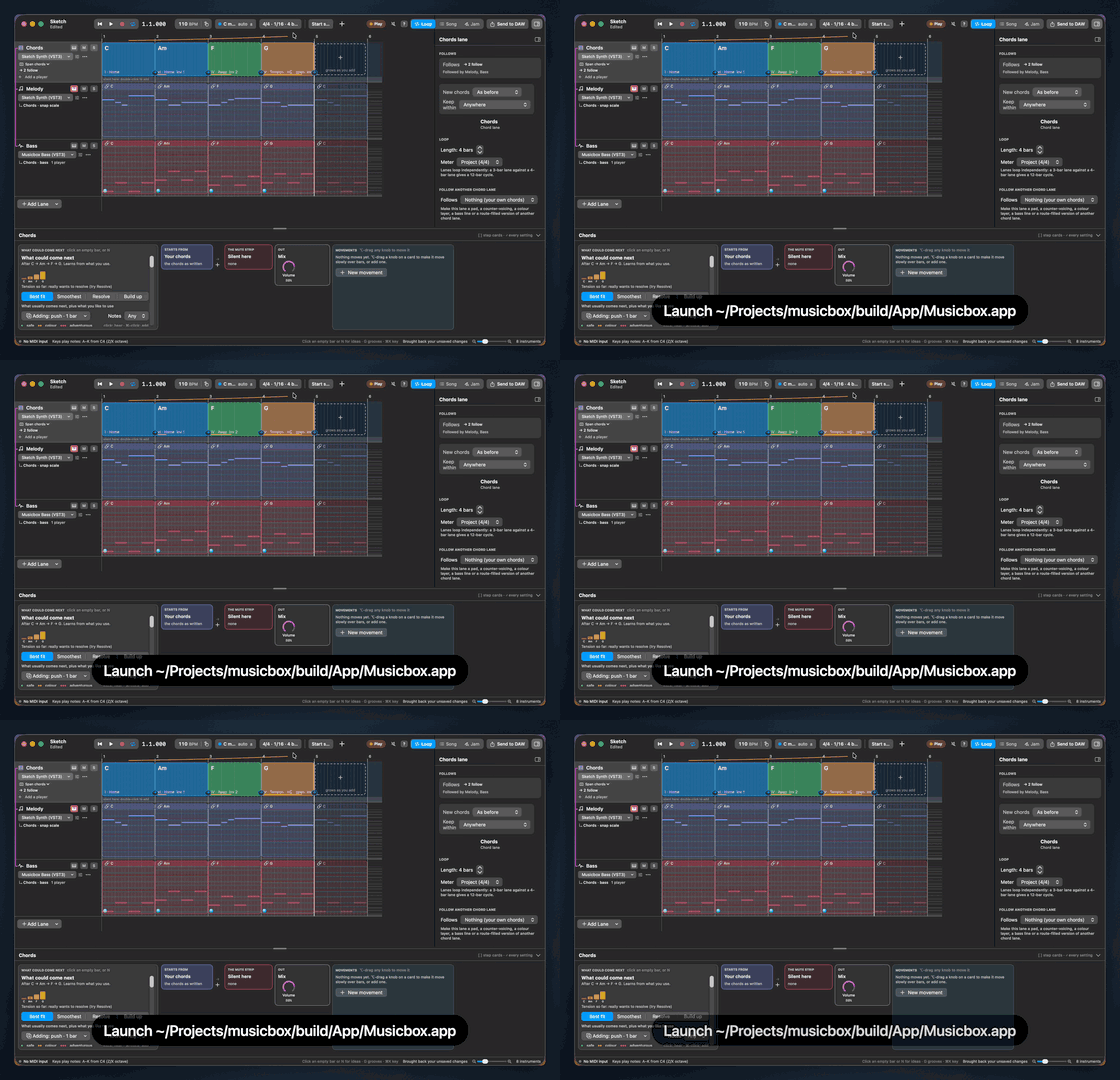
Launch
An app, or
Opena web page, and start recording.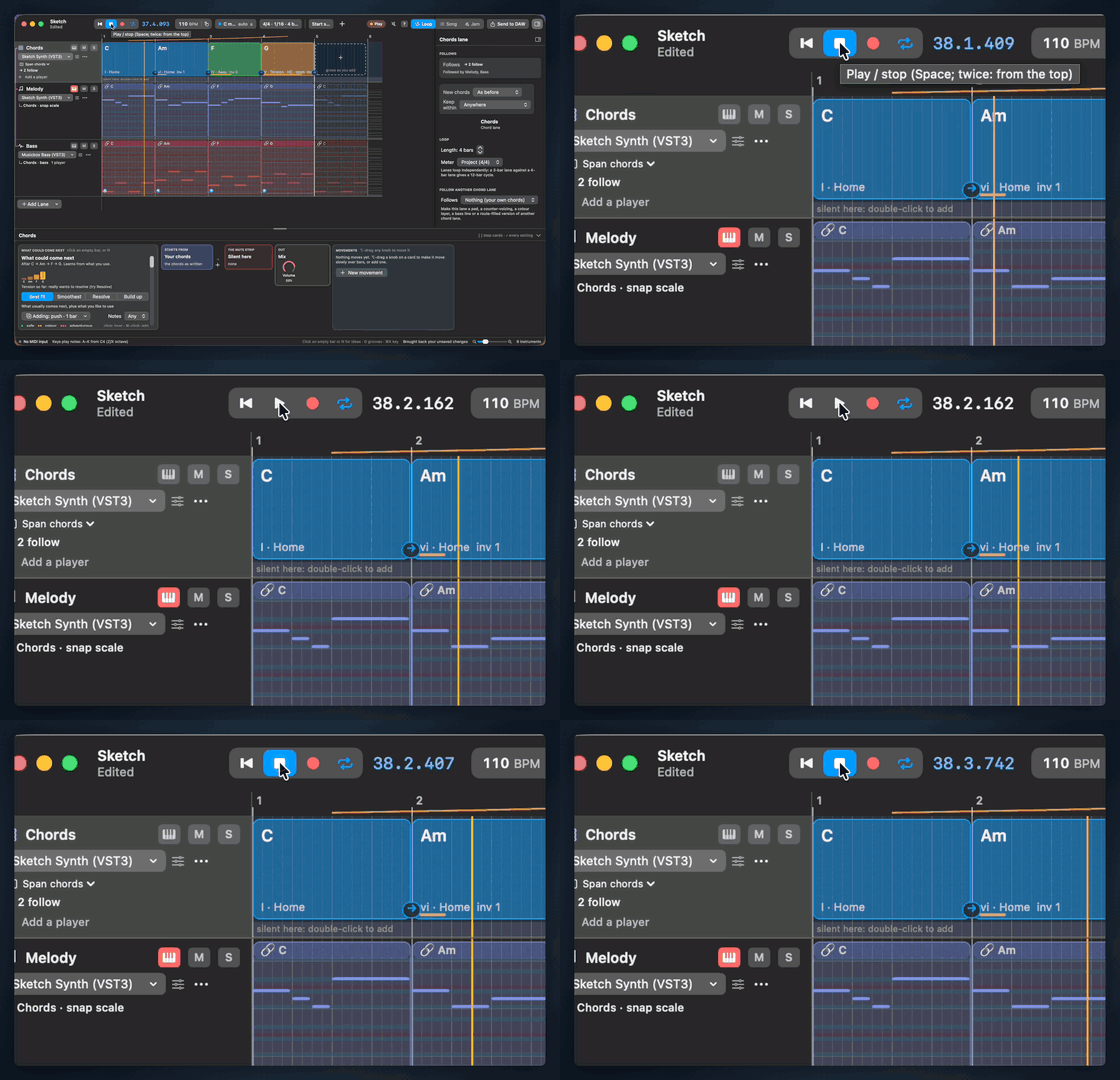
Click
Real clicks with a quiet ripple.
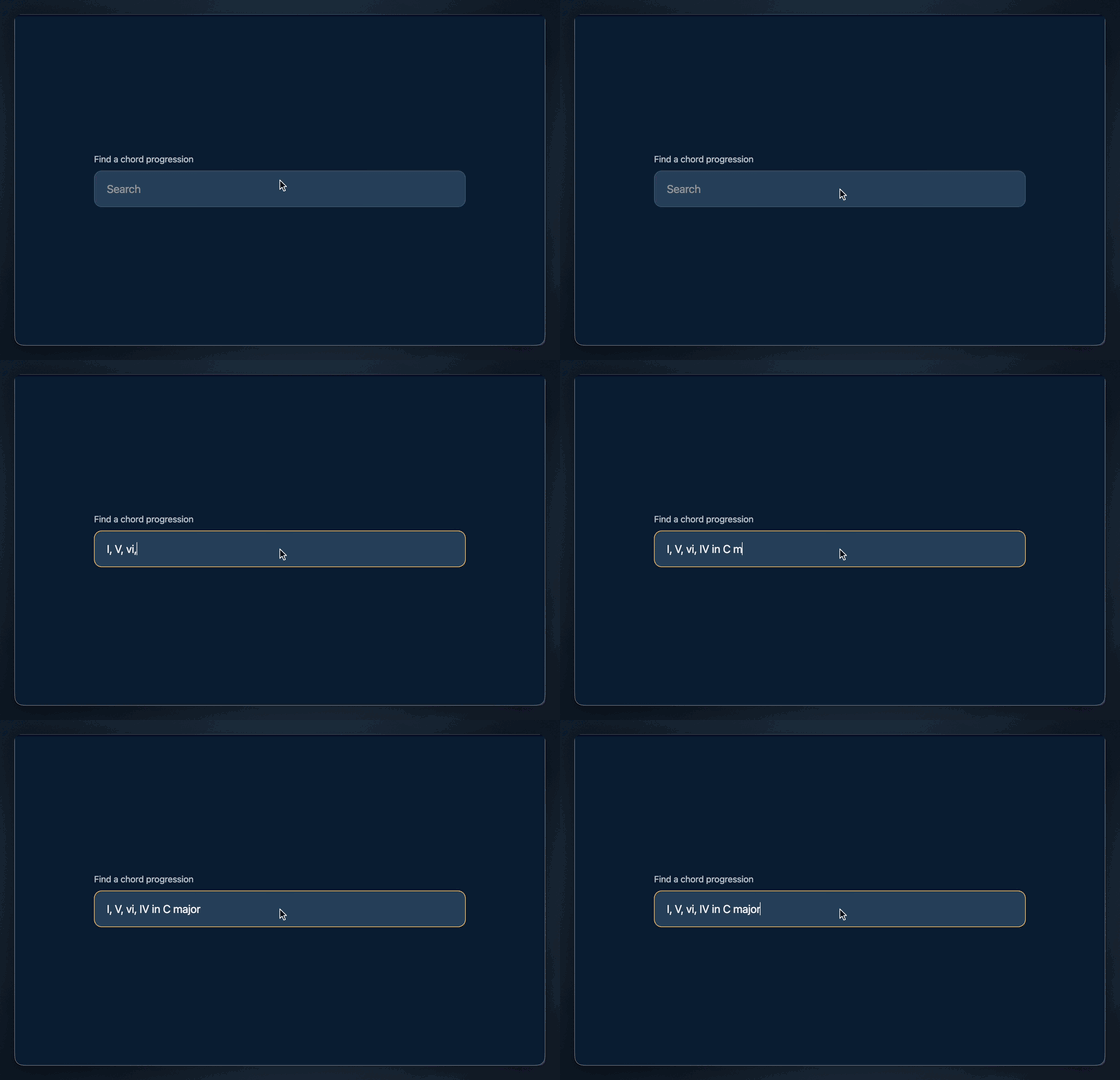
Type
Keystrokes at a natural pace.
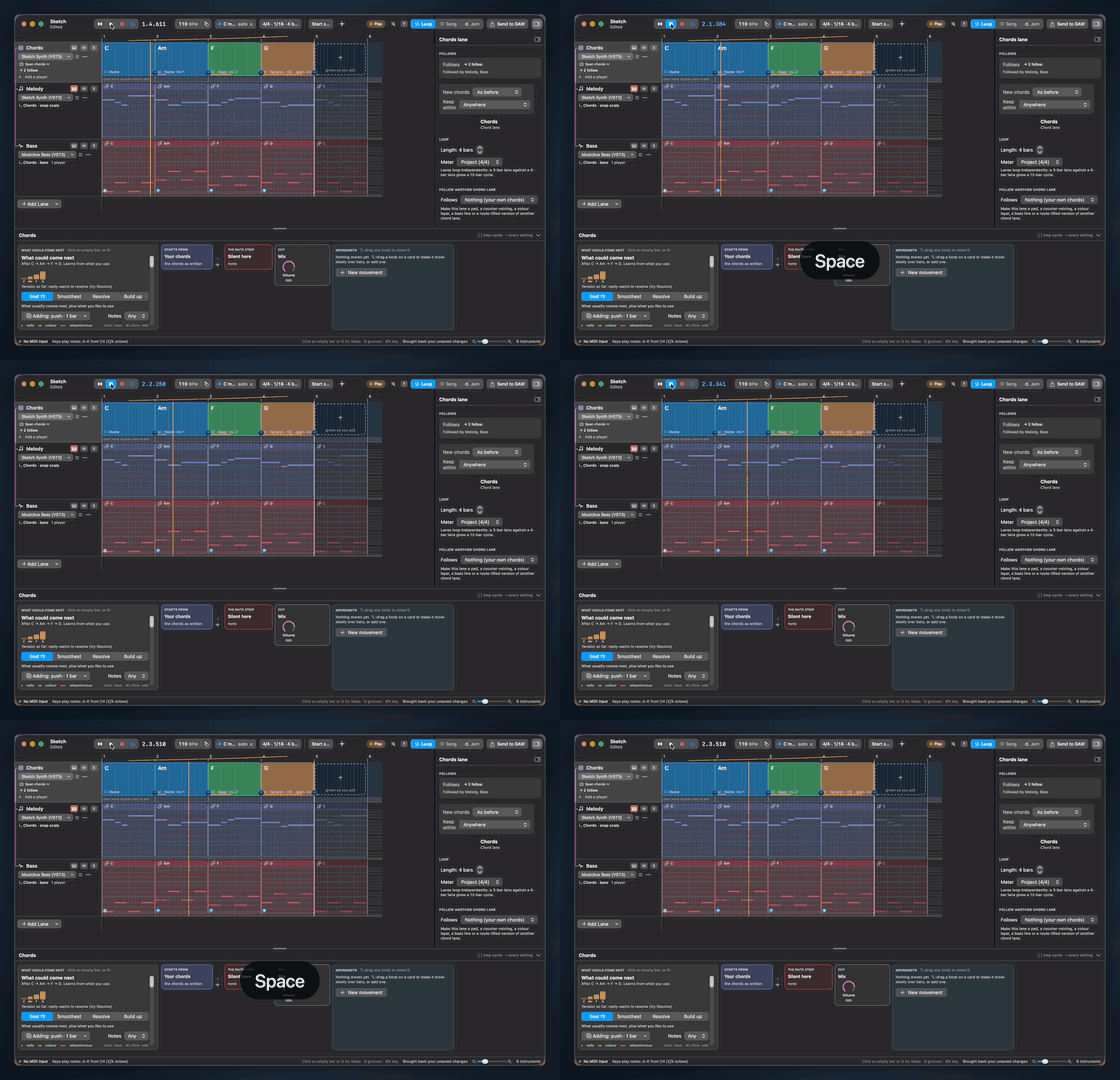
Key
Shortcuts shown as clean badges.
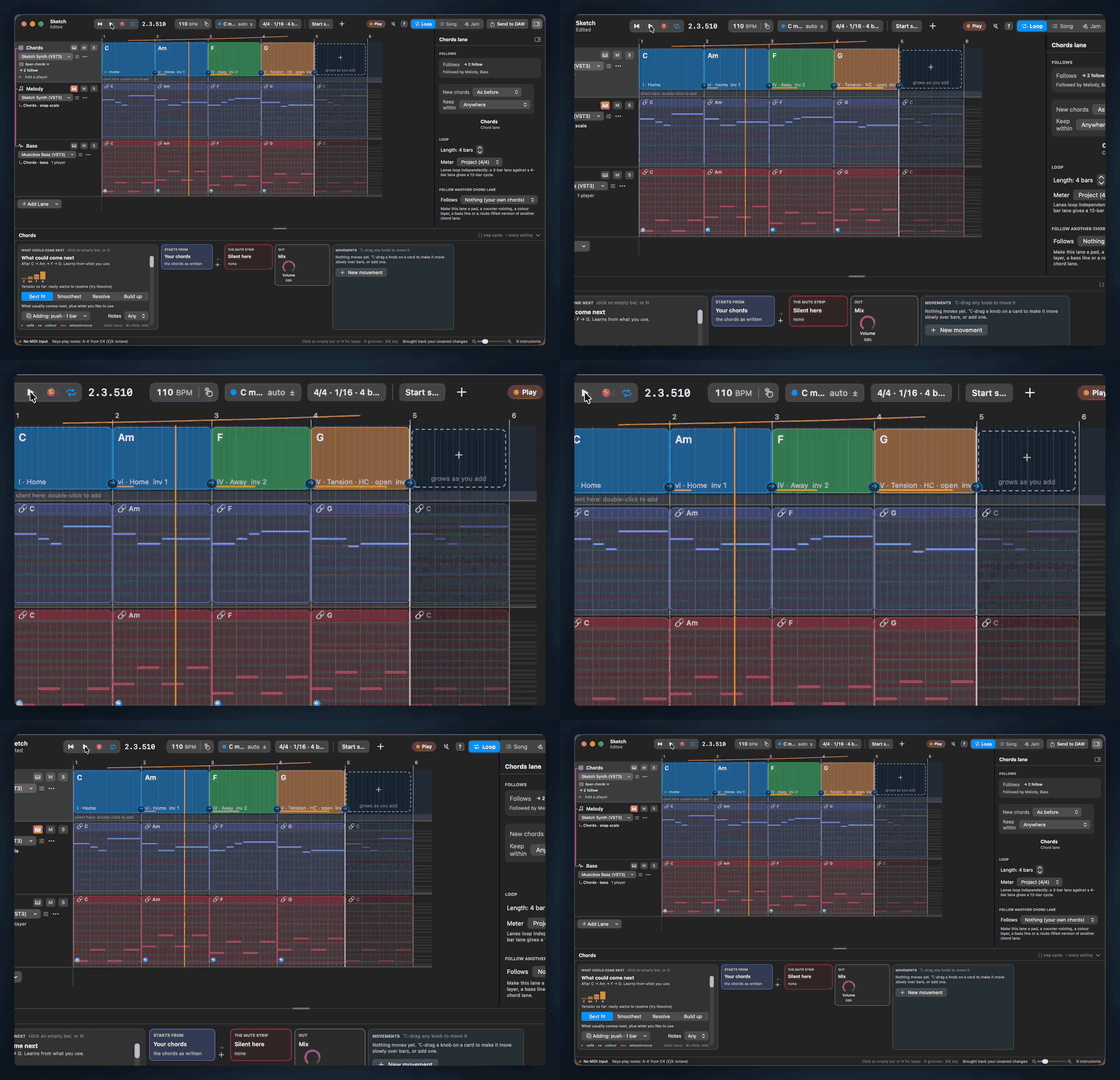
Zoom
Ease into a region, then back out.
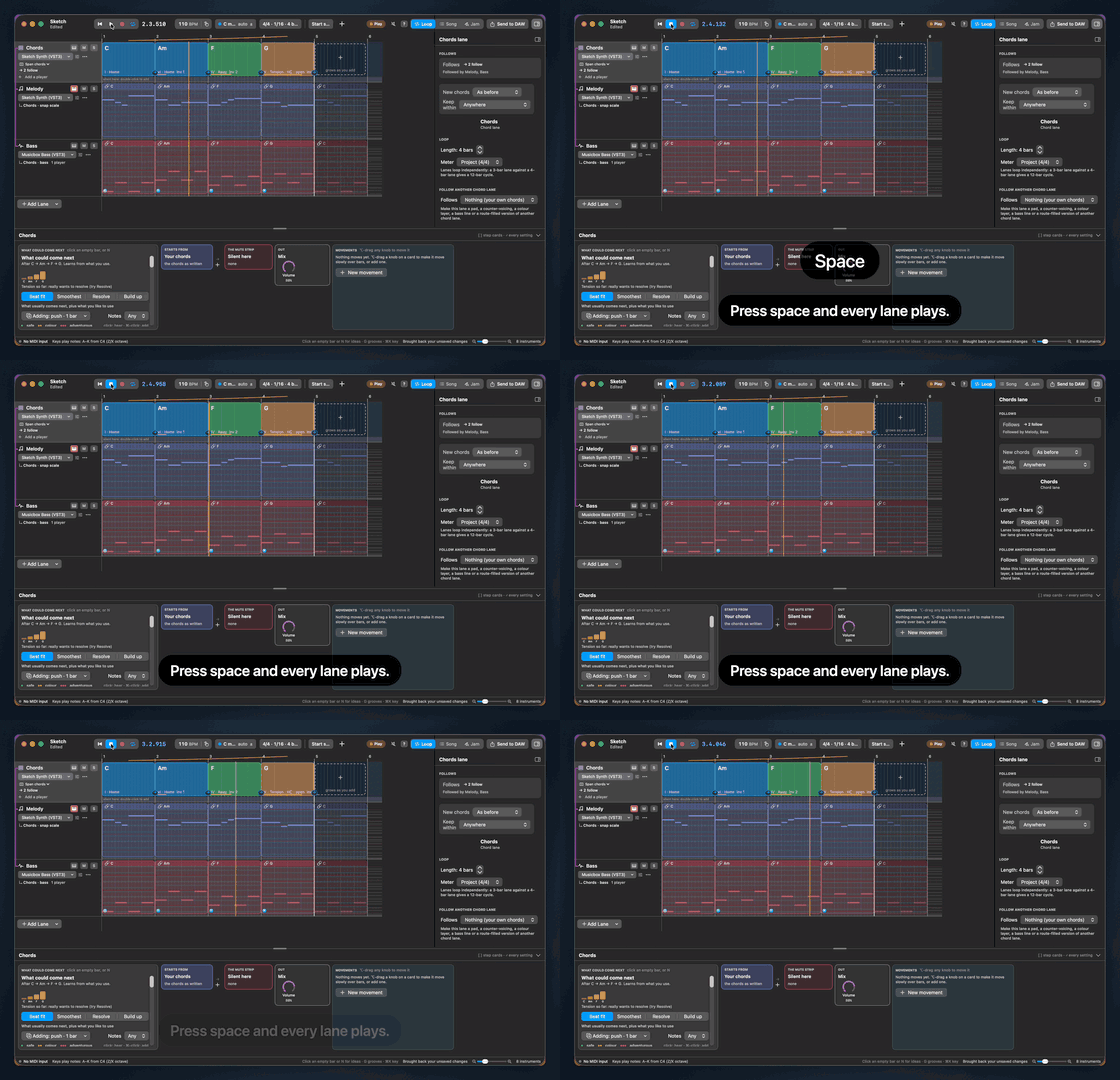
Say
Narration in an AI voice from voicebox, yours cloned or a preset, or a macOS voice; your app ducked under it.
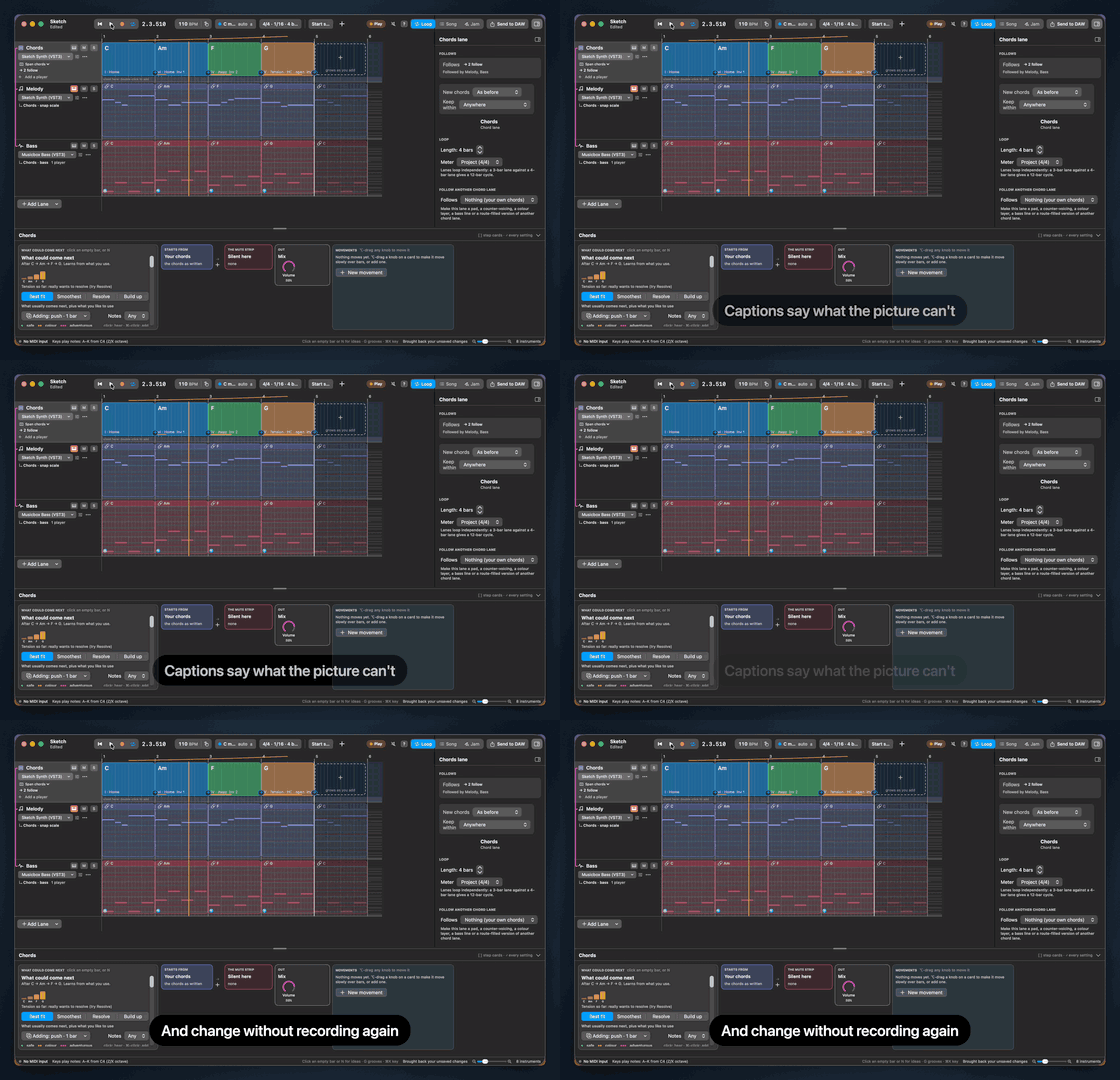
Caption
Timed captions, fading in and out.

Intro and outro
Title cards over a colour or an image, or your own video, sound and all.
How it works
- 1
Write
Describe the demo in a .reel file.
- 2
Run
reel musicbox.reel
- 3
Allow
Grant Screen Recording and Accessibility once.
- 4
Share
Movies and GIFs with framing, sound and captions, sized for GitHub, your site and social feeds.
Made for
Release notes
A fresh clip for every version.
Docs and READMEs
Demos that never go stale.
Social posts
16:9, 1:1 and 9:16 cuts from one recording, each held to its platform's size.
One reel, every outlet
Record once. Set Profiles renders a cut for each place it's going, each in its shape and under its limits.
github
READMEs, issues and pull requests: 1920 wide, under GitHub's 10 MB, with a GIF.
web
Your landing page and docs: 1920 wide, light enough to autoplay.
social
YouTube Shorts, TikTok and Instagram Reels: 1080×1920, subtitled for feeds that play muted.
feed
X, Bluesky, Mastodon and LinkedIn: 1920×1080, under their size and length limits.
square
Instagram and LinkedIn posts: 1080×1080.
highest
Lossless ProRes, to edit further.
Install
Requires macOS 15 or later, Apple silicon. Then reel doctor, and your first reel.
FAQ
Why does reel ask for Screen Recording?
macOS requires it for any program that captures the screen. reel records only the window, or the page, a reel points it at, with its sound.
Why Accessibility?
It lets reel click, type and press keys in the app on your behalf. Both permissions are granted in System Settings, Privacy and Security.
Which Macs are supported?
macOS 15 or later on Apple silicon.
Does it record web pages?
Yes: Open a URL instead of launching an app. WebKit is built in, or Set Browser chromium. A web reel leaves your mouse and keyboard alone.
Can I skip the setup, like a cookie banner or getting to the right screen?
Yes: whatever happens between Hide and Show is left out of every video. Hide, click the banner away, open the right view, Show, and the video starts there.
Can I change a caption without recording again?
Yes. Captions, zooms, speed-ups, cuts, title cards and every output setting are applied when rendering: reel render. Only a change to what happens in the app needs a new recording.