A macOS menu bar app

Hide the notch. Keep the colour.

Undertone hides the notch and the screen's borders in black, and fills the rest with beautiful generated backgrounds: gradients and shapes that follow your light or dark theme and change on a schedule.

$ brew install --cask mpdreamz/tap/undertone
A MacBook showing Undertone's aurora style, the notch hidden in a black menu bar, rounded corners below it.
Notch and borders

The notch, gone. The corners, black.

A black strip as tall as the menu bar swallows the notch, so the menu bar reads as bezel and the screen starts below it. Rounded corners put black behind every window tiled into a corner, so the picture never peeks out round an app's own rounded corner.

  • The strip is drawn only on displays with a notch.
  • The corners curve like macOS's own windows, sized so every window's corner meets black.
The notch over a light picture
Notch · off
The notch inside a black menu bar strip
Notch · hidden
Picture showing behind a window's rounded corner
Corners · off
Black behind a window's rounded corner
Corners · rounded
Lock screen motion

It moves while you're away.

While the Mac is locked, your picture drifts: the curtains sway, the waves roll, the glows wander. Unlock, and it slows to a stop on your desktop.

  • Your picture, in its own style, tonality and layout, not a stock video.
  • Drawn in the background after each shuffle, played by the Mac's video hardware.
  • Your pace: calm, normal or lively; subtle or strong; and it comes to rest with a glide, an ease or a spring.
  • One switch in Settings, and Undertone as your screen saver.
Eleven styles

Gradients, and a lot of shapes.

Glows, marbling, layered waves, lit spheres, rings, dunes, topographic lines, silk, aurora, a bauhaus grid and a lava lamp. Every picture is generated: each tile below is shuffling, its style kept, its tonality and layout new every time. Lock a style, or let every shuffle pick.

Mesh in ember
Mesh in EmberSoft glows over a dark base
Flow in dusk
Flow in DuskMarbled, slowly folding colour
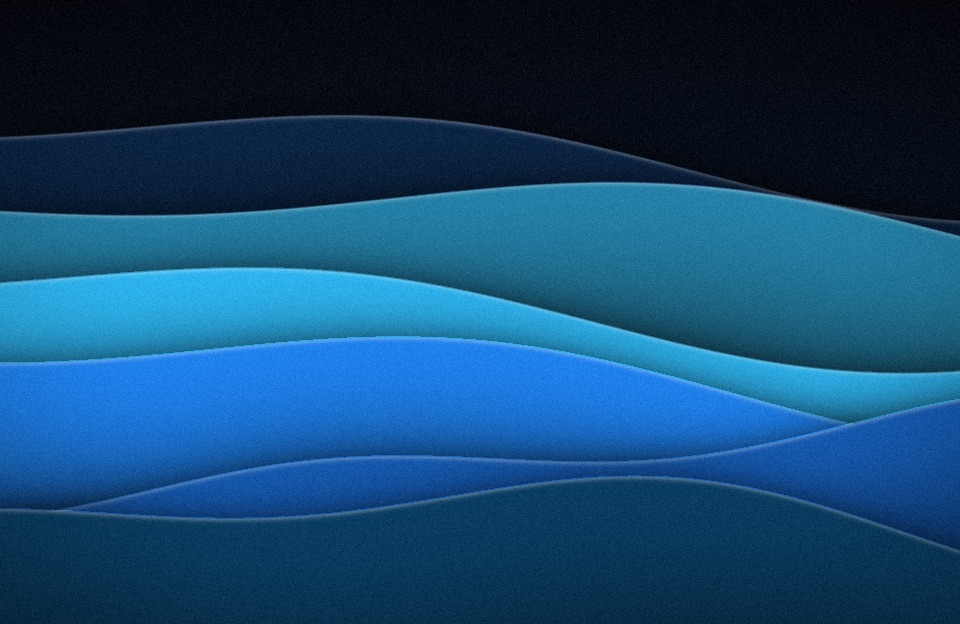
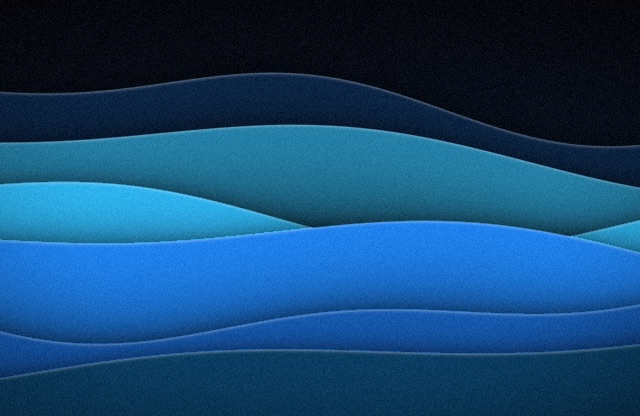
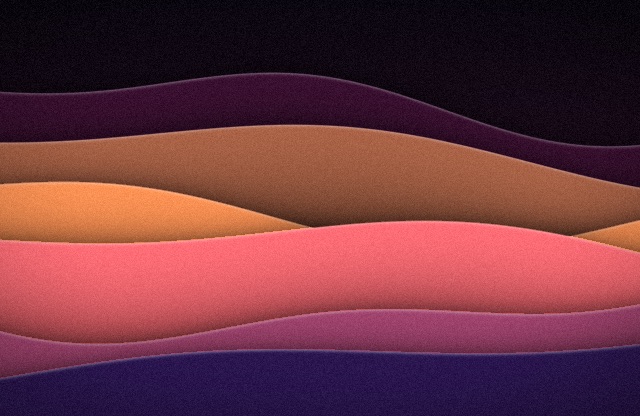
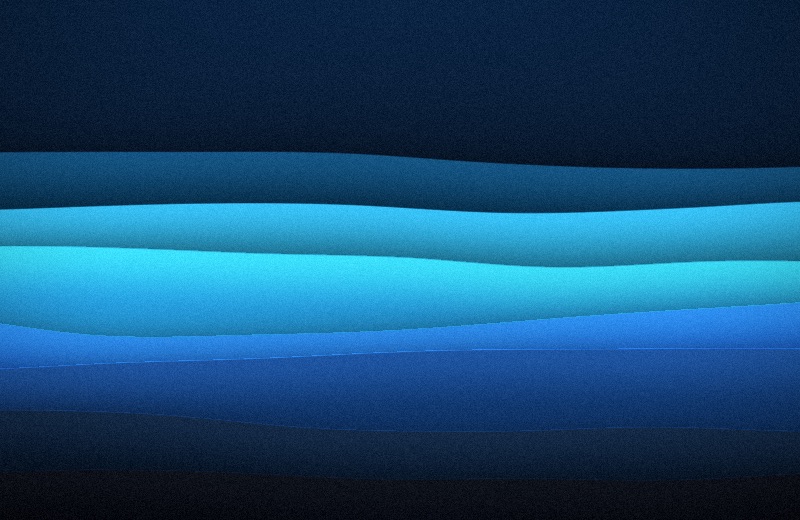
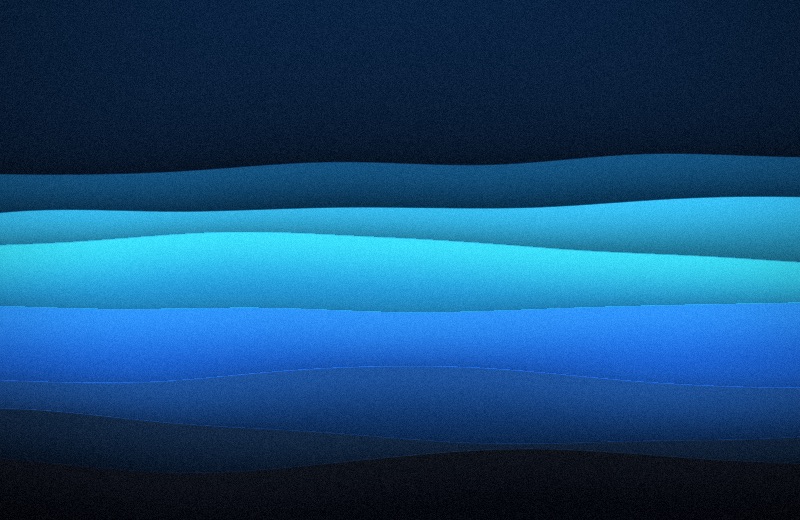
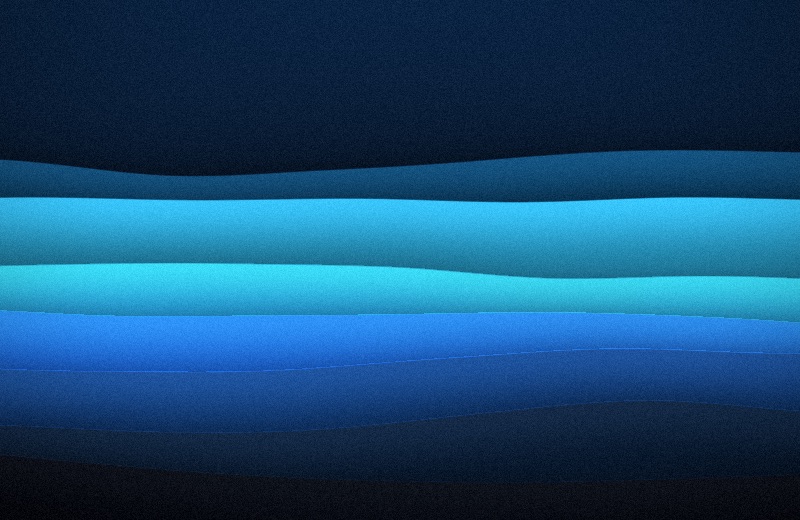
Waves in tide
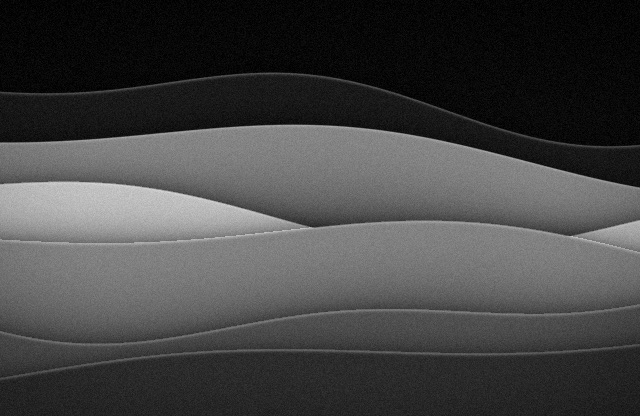
Waves in TideLayered ribbons with a lit rim
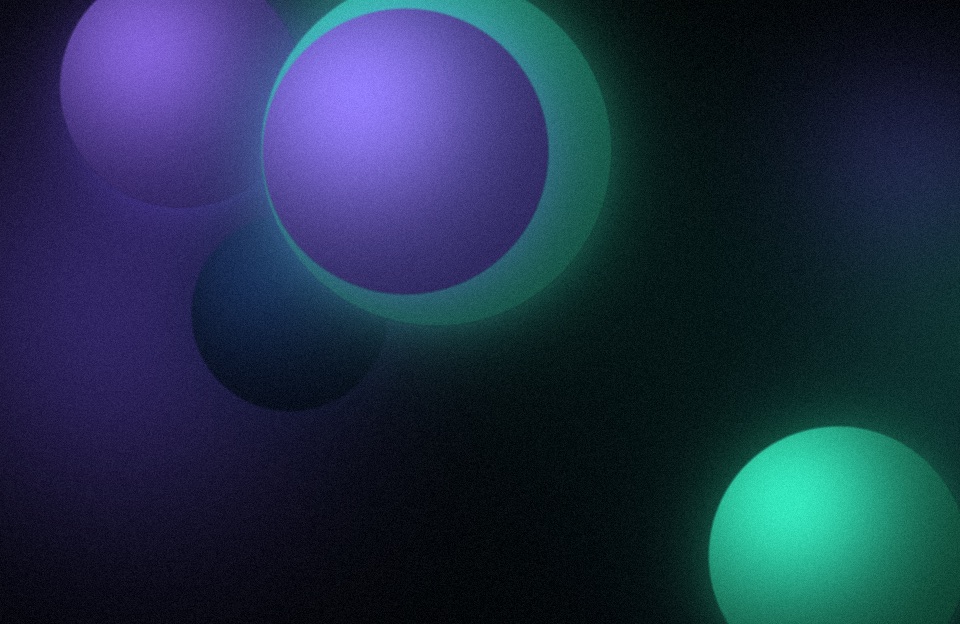
Orbs in aurora
Orbs in AuroraLit spheres
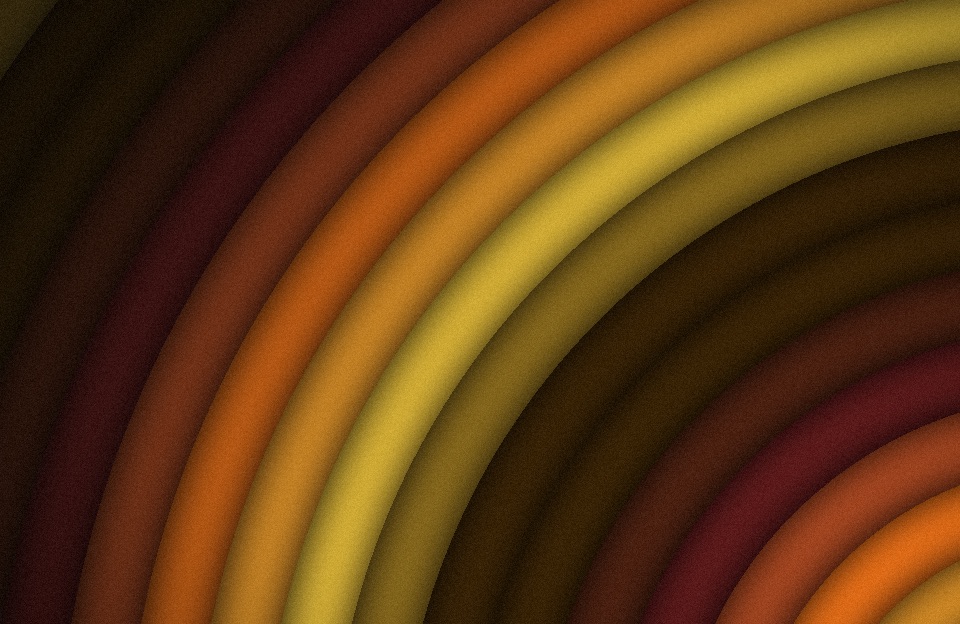
Rings in citrus
Rings in CitrusBands round an off-screen centre
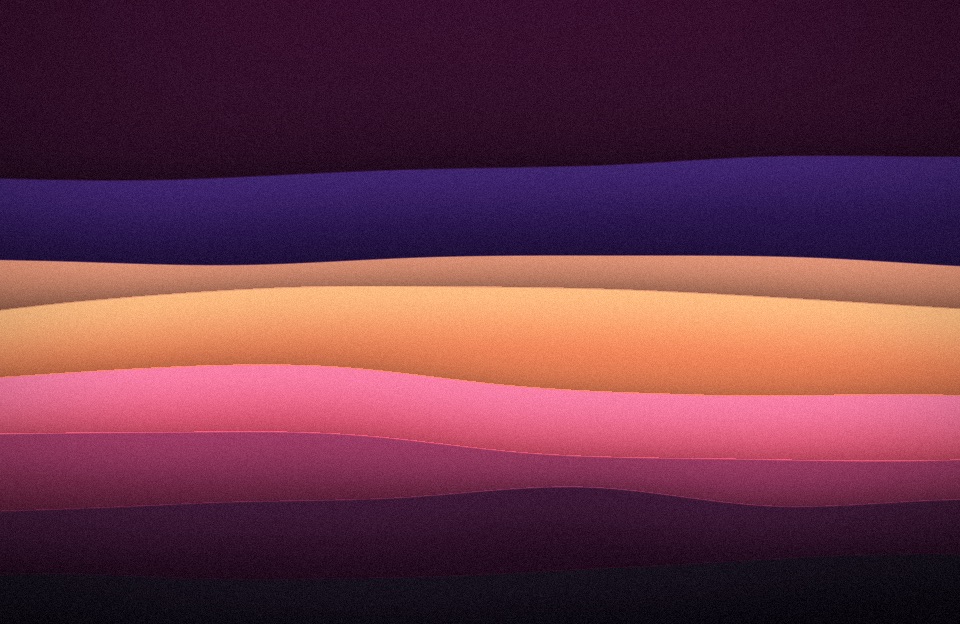
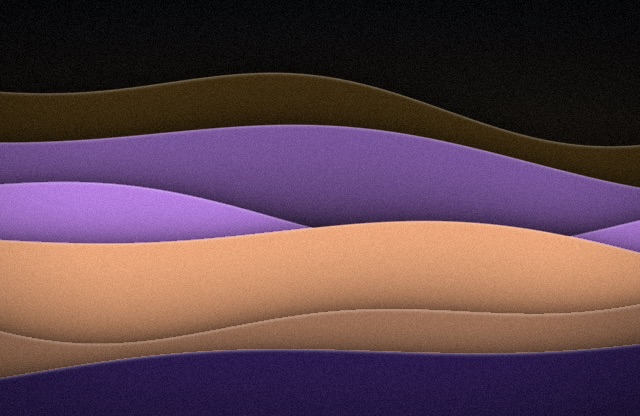
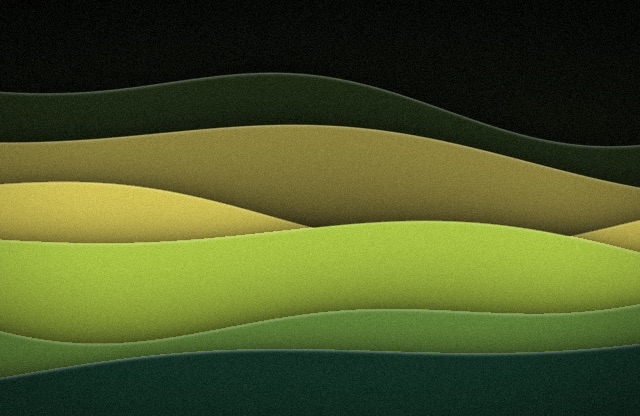
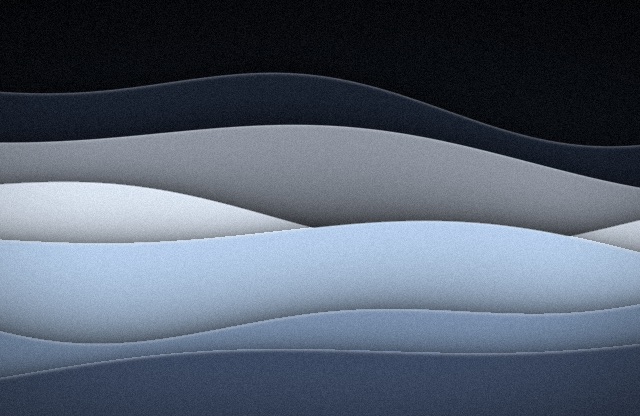
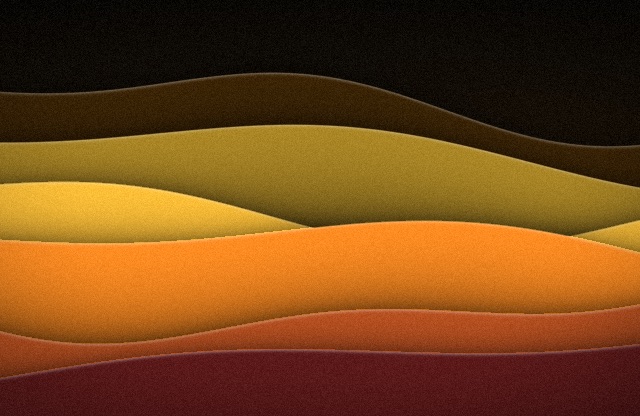
Dunes in dusk
Dunes in DuskStacked hills fading into haze
Contour in glacier
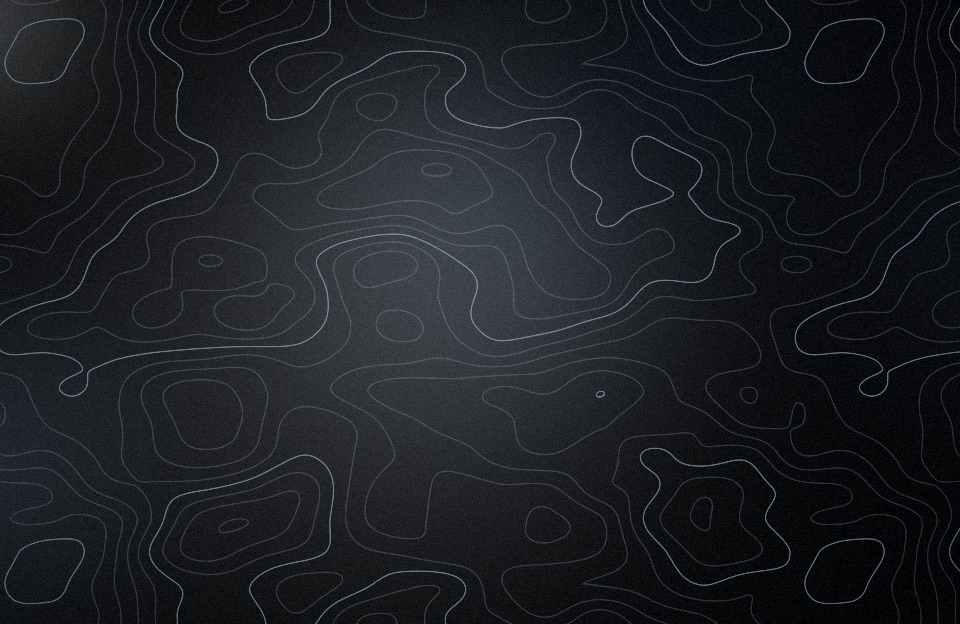
Contour in GlacierTopographic lines
Silk in ember
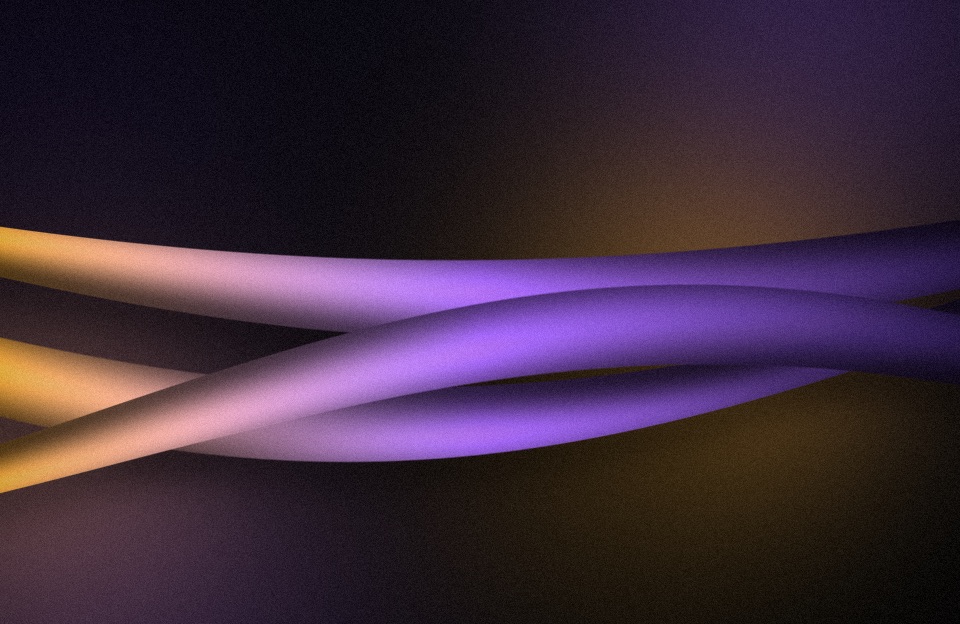
Silk in EmberTwisting ribbons with a sheen
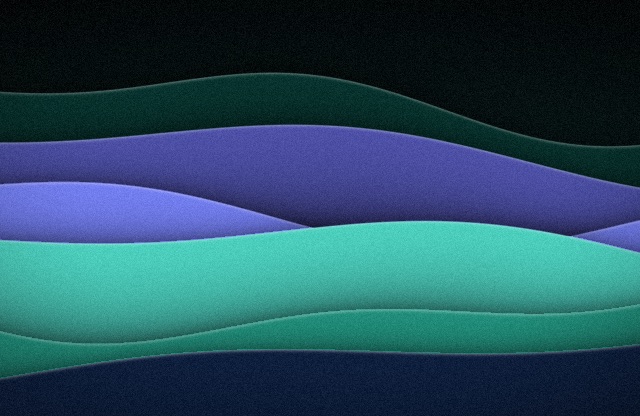
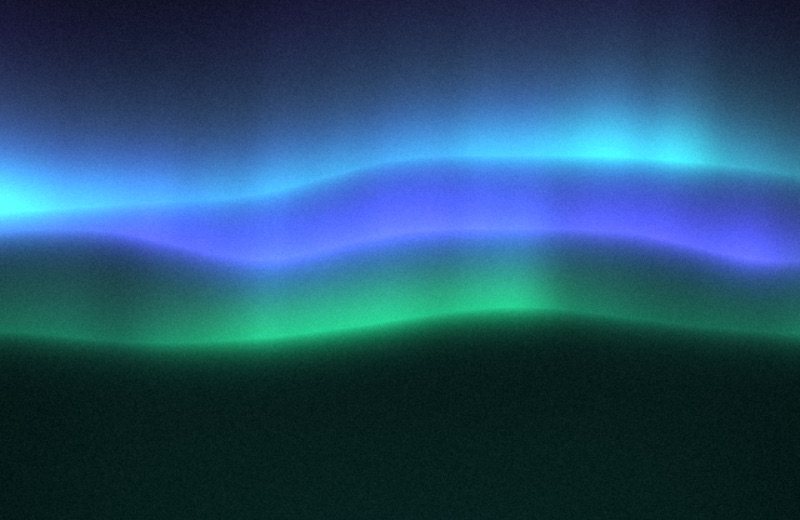
Aurora in aurora
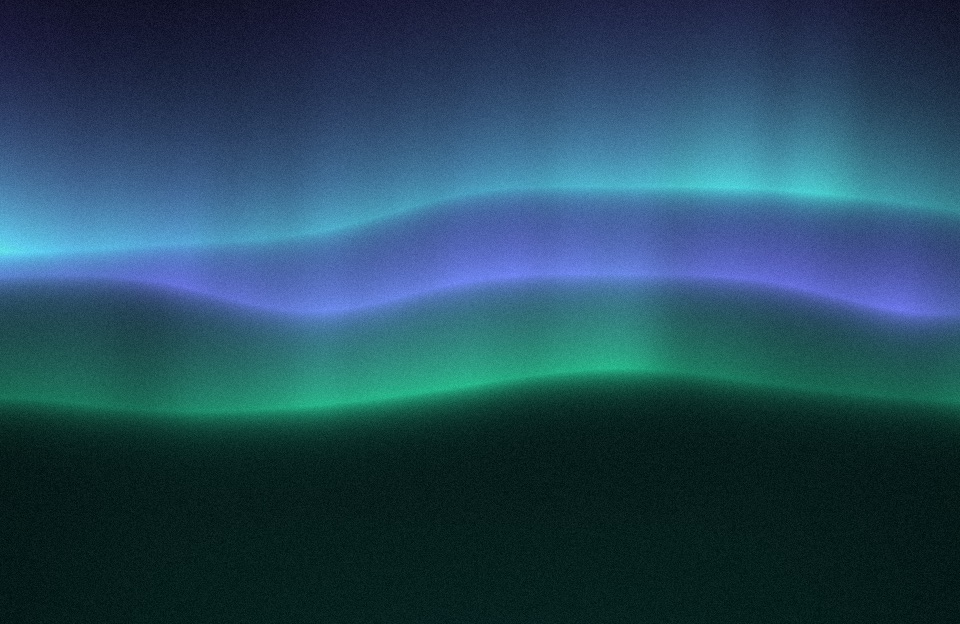
Aurora in AuroraCurtains of light
Bauhaus in moss
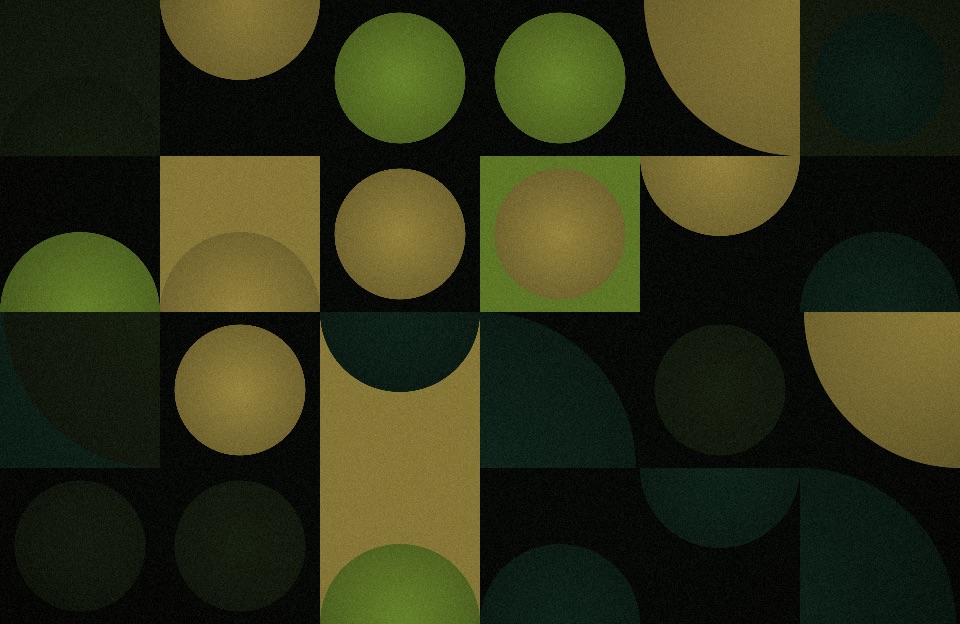
Bauhaus in MossA grid of quarter and half circles
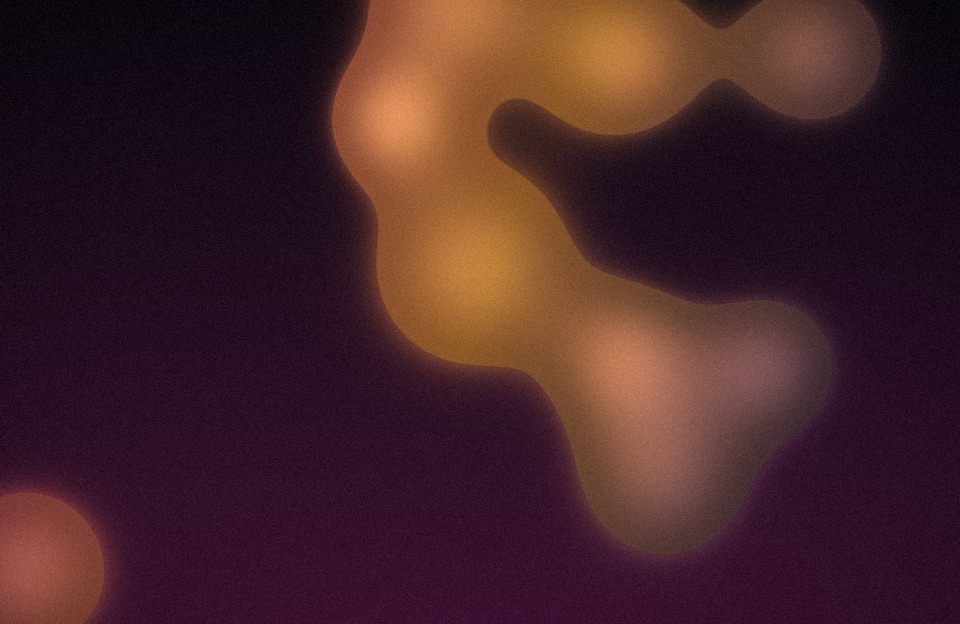
Blobs in dusk
Blobs in DuskA lava lamp
Follows your theme

Light mode, dark mode, eight tonalities.

Each tonality has a dark half and a light half. Switch appearance and the picture switches with it: the same shapes, the other colours. Keep a tonality, shuffle them, or let the season choose: cold blues in winter, greens in spring, warm colours in summer, ambers in autumn.

Ember
EmberAmber and violet
Tide
TideOcean blues and cyan
Aurora
AuroraGreen and violet light
Dusk
DuskRose, orange and plum
Moss
MossLeaf green and gold
Glacier
GlacierCold greys and ice blue
Citrus
CitrusOrange and yellow
Mono
MonoGreys only
Seven effects

Print, glass and film.

Dither, halftone, reeded glass, bloom, a light leak, paper and posterize, over any style in any tonality. Turn on as many as you like, each with its own settings, or let every shuffle add one at random.

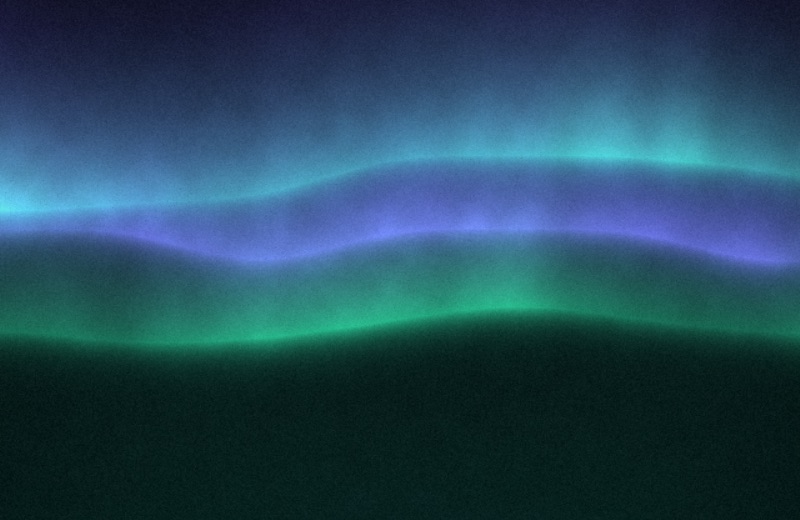
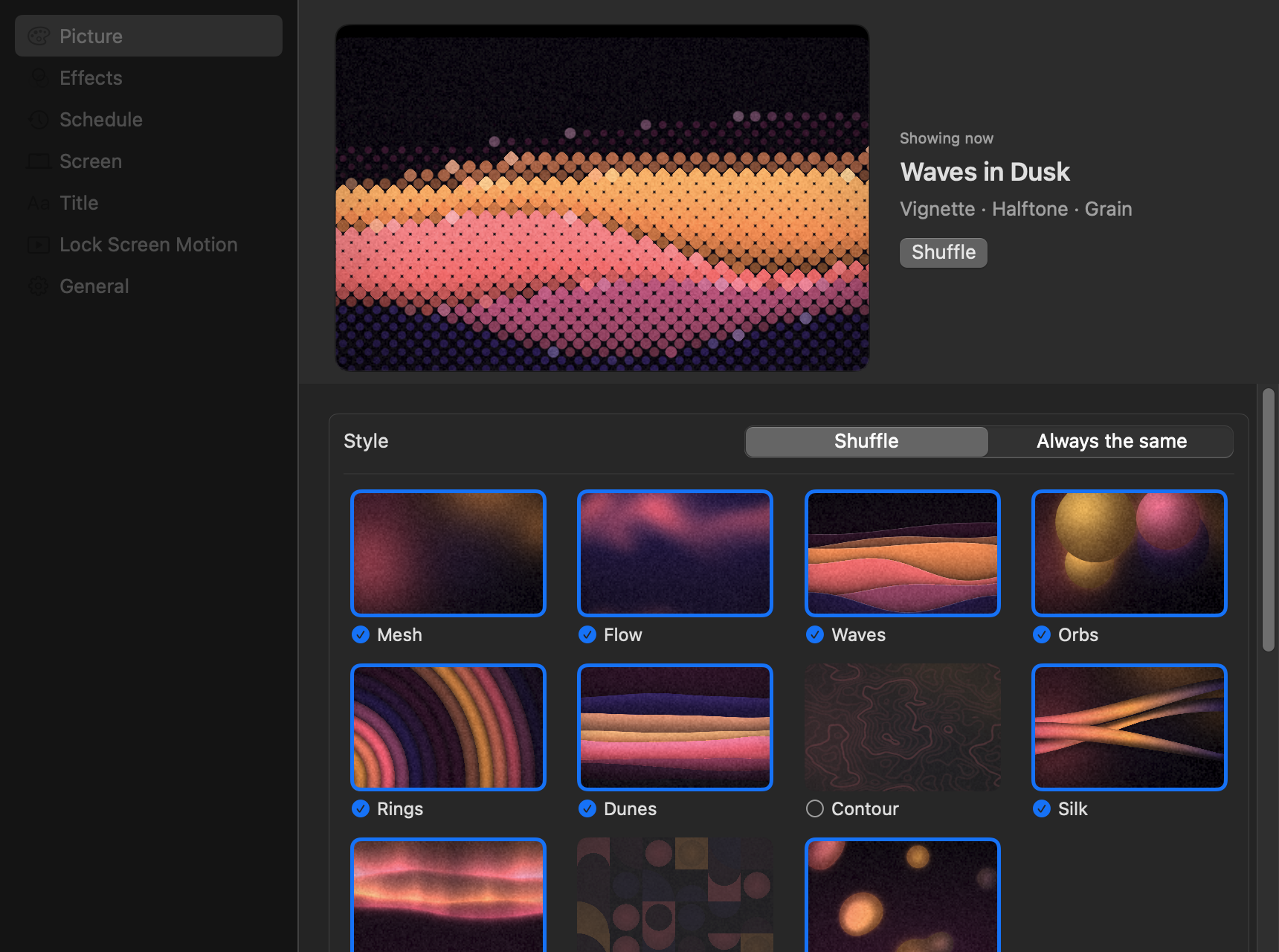
Dither over aurora
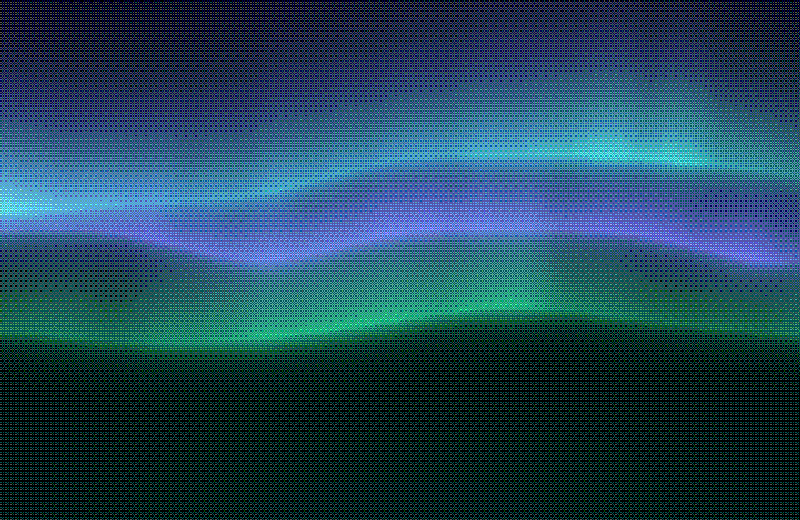
Dither on AuroraOrdered dithering, like an old screen
Halftone over aurora
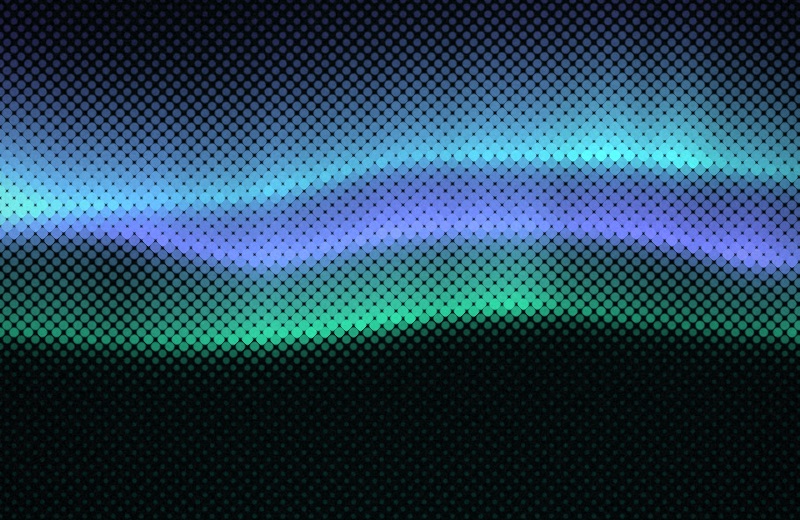
Halftone on AuroraDots sized by colour, like print
Glass over aurora
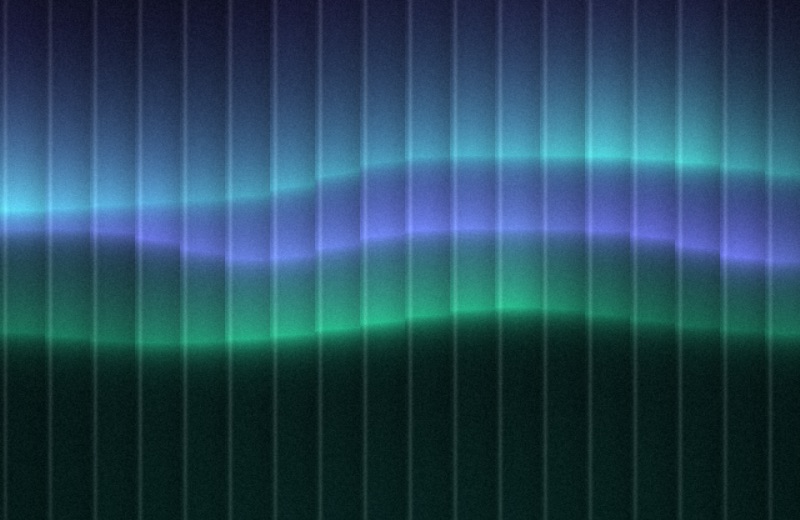
Glass on AuroraReeded glass in front of the picture
Bloom over aurora
Bloom on AuroraBright parts glow
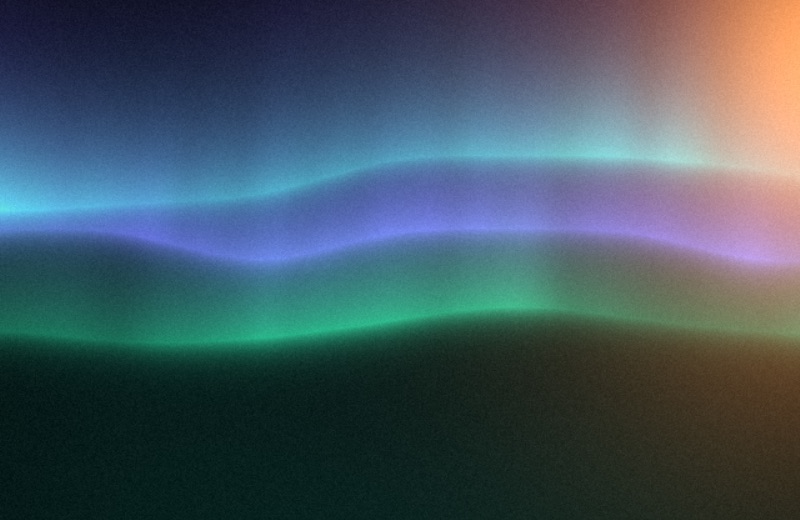
Light Leak over aurora
Light Leak on AuroraA warm film leak from one edge
Paper over aurora
Paper on AuroraFibres under the colour
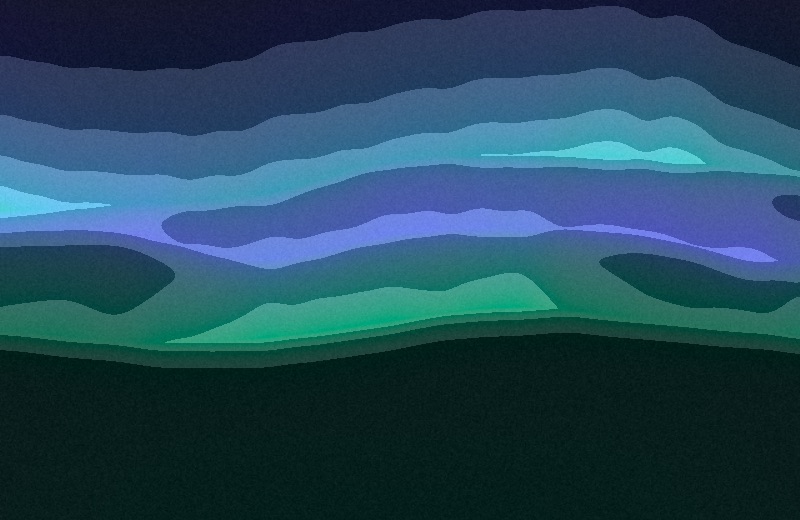
Posterize over aurora
Posterize on AuroraHard bands of lightness
On a schedule

A new background every day. Or hour.

Shuffle by hand, from a hotkey, or let Undertone pick a new picture every hour, every three hours or every day, and on login and wake. Style and tonality are separate choices: keep either, and only the other one changes, and either can leave some out.

  • Theme switch: the same picture, redrawn from the other half of its tonality.
  • Drawn on your Mac at each display's full resolution, once, then reused.
  • No permissions to grant.
Random style, random tonalitySomething new every time.
Leave some outShuffle every style but the ones you uncheck.
Keep the styleThe same kind of picture in new colours.
Keep the tonalityNew shapes in colours you chose.
Every hour, 3 hours or dayCounted across sleep and restarts.
undertone shuffleFor a hotkey, a Shortcut or a script.
Spaces

A picture per space, one tonality.

Every space gets its own picture from its own seed, in the same style and colours, so spaces are siblings and you can tell them apart. Or show the same one everywhere.
Dunes in tide, on the first space Dunes in tide, on the second space Dunes in tide, on the third space
Grain and a title

Film grain, and the machine's name.

A fine grain takes the plastic sheen off a gradient and hides banding. A centred title, off until you want it, tells machines apart in a screen share: {computer}, {user}, {os} and {host} are filled in.

Close up without grain
No grain
Close up with strong grain
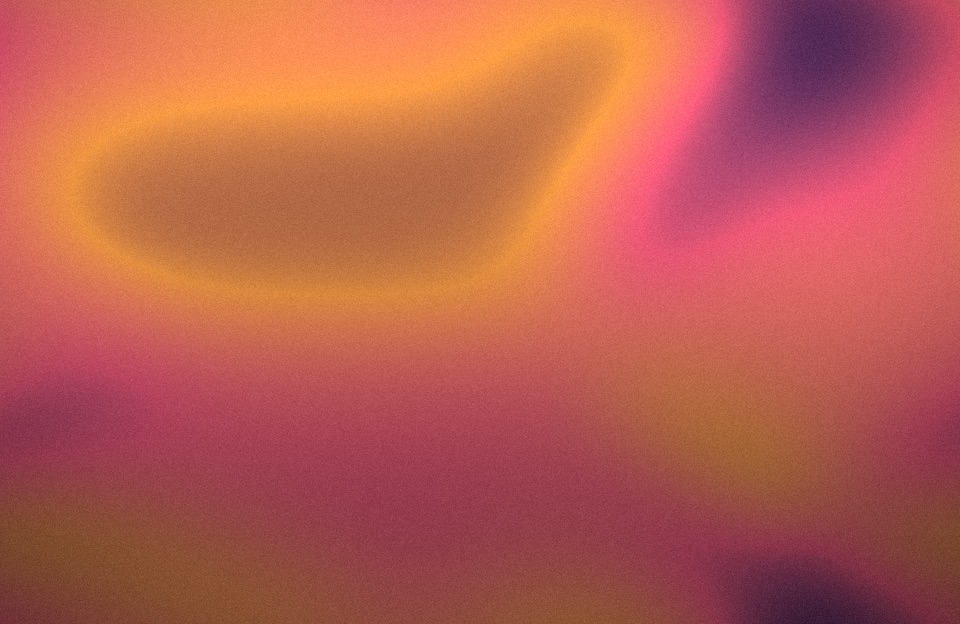
Strong grain
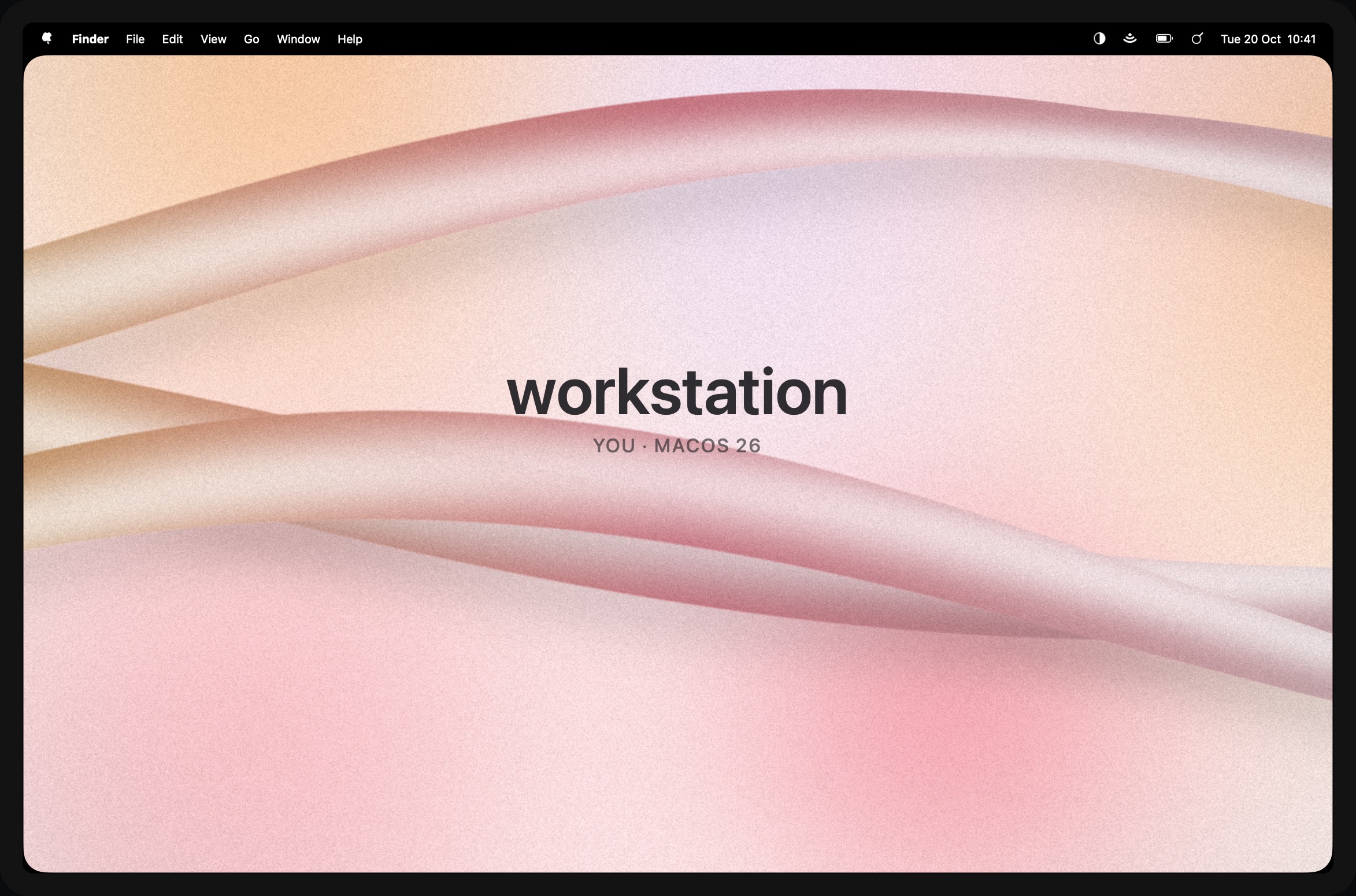
A light silk picture on a MacBook with a title in the middle
Settings you can see

Choose by eye.

Every style and tonality is drawn in the settings, in the colours you have now: click to keep one or to leave it out of shuffles. Each effect shows itself over your picture, with its own sliders, and a preview of the whole thing sits on top. A few quick toggles live in the menu bar.

  • undertone shuffle for a hotkey.
  • undertone render draws any picture to a file, without the app.
  • Updates itself, signed and notarized.
Undertone's settings window

Questions

Does it need any permissions?

No. Setting the desktop picture needs none, and Undertone asks for nothing else.

Does it follow dark mode on its own?

Yes. When the system switches between light and dark, including on a schedule, Undertone redraws the same picture from the other half of its tonality.

Does it cost battery?

A picture is drawn once, in about half a second, when you shuffle or change a setting, and reused after that. The checks compare a file name. With lock screen motion on, each new picture is also drawn as a movie, a few minutes in the background on two cores; playing it is the Mac's video hardware.

Can I keep the settings in my dotfiles?

Yes: they are a plain ~/.config/undertone/config.toml, read again whenever it changes and written when you change something in Settings. The file.

Which Macs?

Apple Silicon Macs on macOS 15 or later.

Is it free?

Yes, and open source under the MIT licence.

No notch. All colour.

$ brew install --cask mpdreamz/tap/undertone